23
Interrupt or Stop Routine
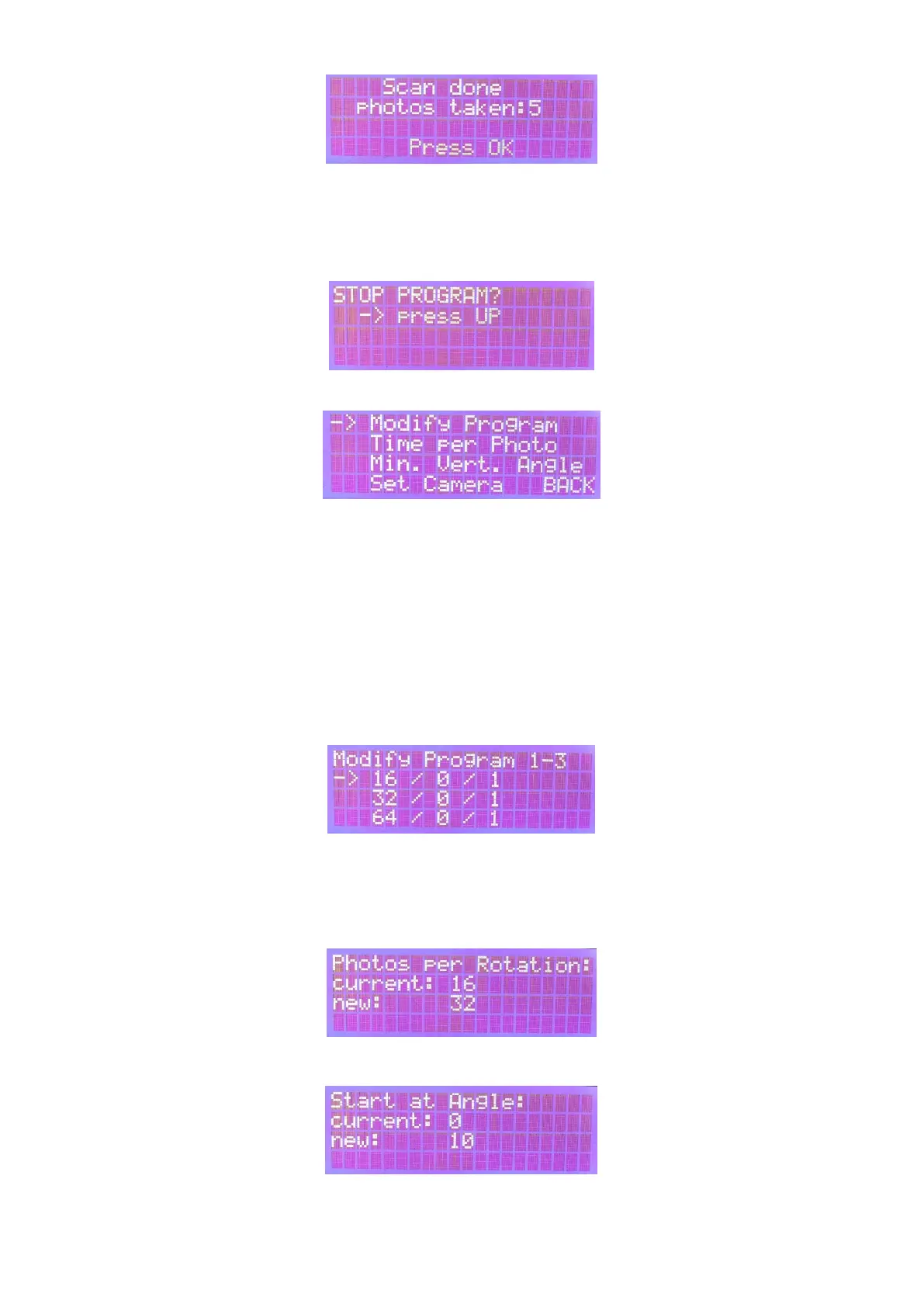
If a program is already running and you want to cancel it, the OK button must be held down (at least
1s) and the following screen appears. You will then be able to cancel the routine by pressing the Up
button.
Settings
In the settings menu you can use the arrow keys and confirm with OK to:
- change the individual routines ("modify program")
- set the waiting time per photo ("time per photo")
- choose the minimum angle between the rotation planes ("Min. Vert. Angle")
- choose the trigger mechanism ("Set Camera)
Modify Program
First, use the arrow keys to select the program to be changed and confirm with OK:
The parameters can be changed with the arrow buttons and confirmed with OK. First, choose the
photos per turn of the turntable. The recommended value is 32. For primitive objects, 16 is also
possible. Higher values should only be selected for very detailed objects, thereby the total number of
photos will increase significantly.
Next, the start and end tilting angle are selected. Usually a maximum value of 45 ° works fine.
Next, the number of rotation planes between start and end tilting angle is determined. It is
recommended that the planes are not more than 30° (better less) apart, i.e. that at a deflection of 30°



 To Next Page