19
Remote Shutter Control – Infrared
Important: Set Camera mode to the appropriate camera model (settings menu)
Many cameras can be triggered by infrared. This function is to be activated in the corresponding menu
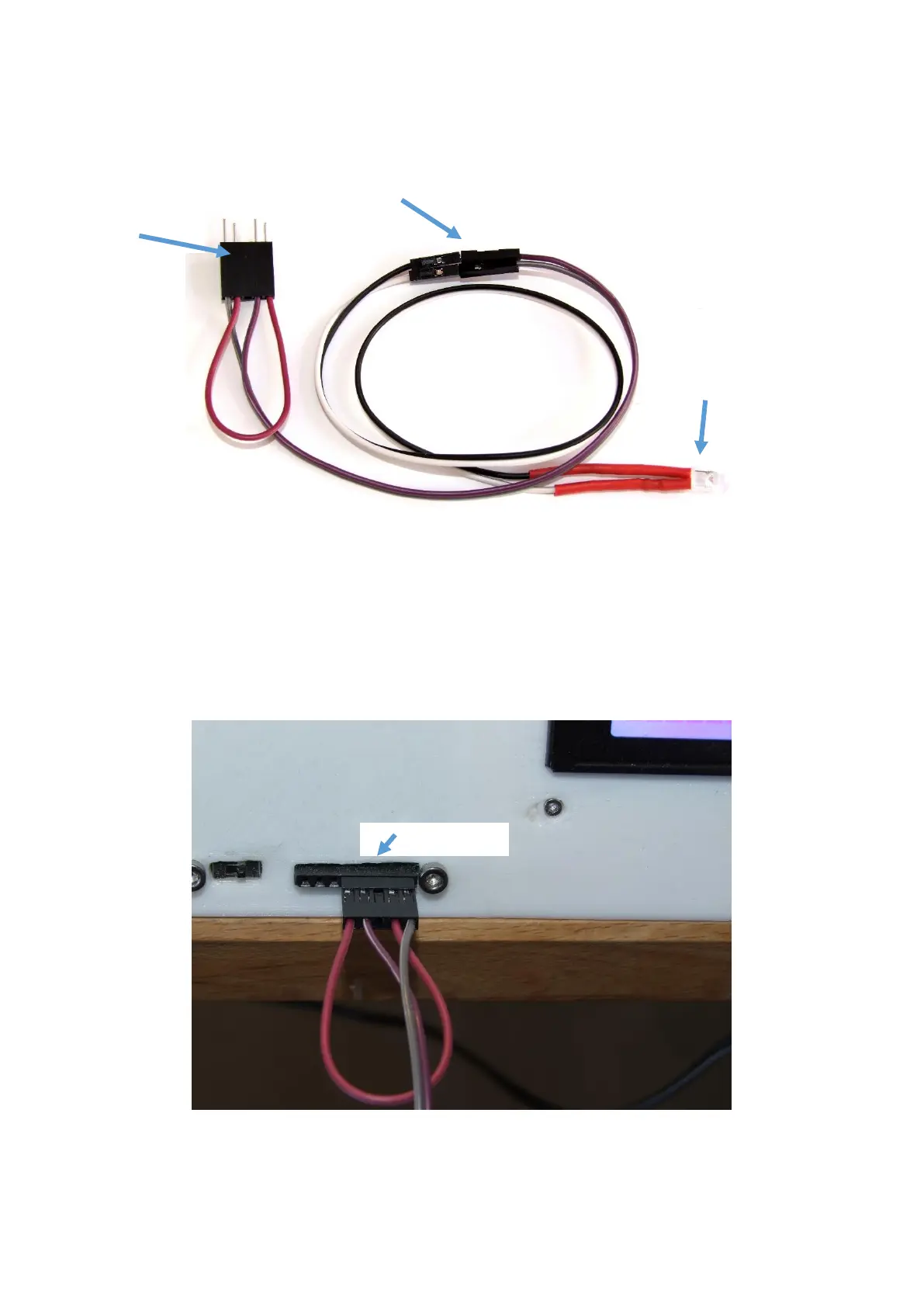
of the camera (see user manual of your camera model). An infrared LED is connected to the control
board of the scanner (see below) so that it emits a predefined light pulse at the given times. This light
is not visible to the human eye (but not harmful either). You can sometimes see the light pulse as a
slight pink flicker on the display of the camera, as the sensor of the camera registers the infrared light.
However, some cameras (for example Iphones) use an infrared-filter, so the light pulses are not
displayed. It should also be noted that these are very short light pulses (<0.1s). Note: If the camera
does not detect a light pulse as soon as a scan routine is started, the connectors should be reversed.



 To Next Page