Assistant Service
Manual
OPTIKON 2000
Code 121008S
10-7 Rev. D
In one of the first lines of this window, you should
read "Device=PIC18F6520". This is the microprocessor used in the
Assistant .
If you do not see this message, in the "Tools" menu, select
"Check communication".
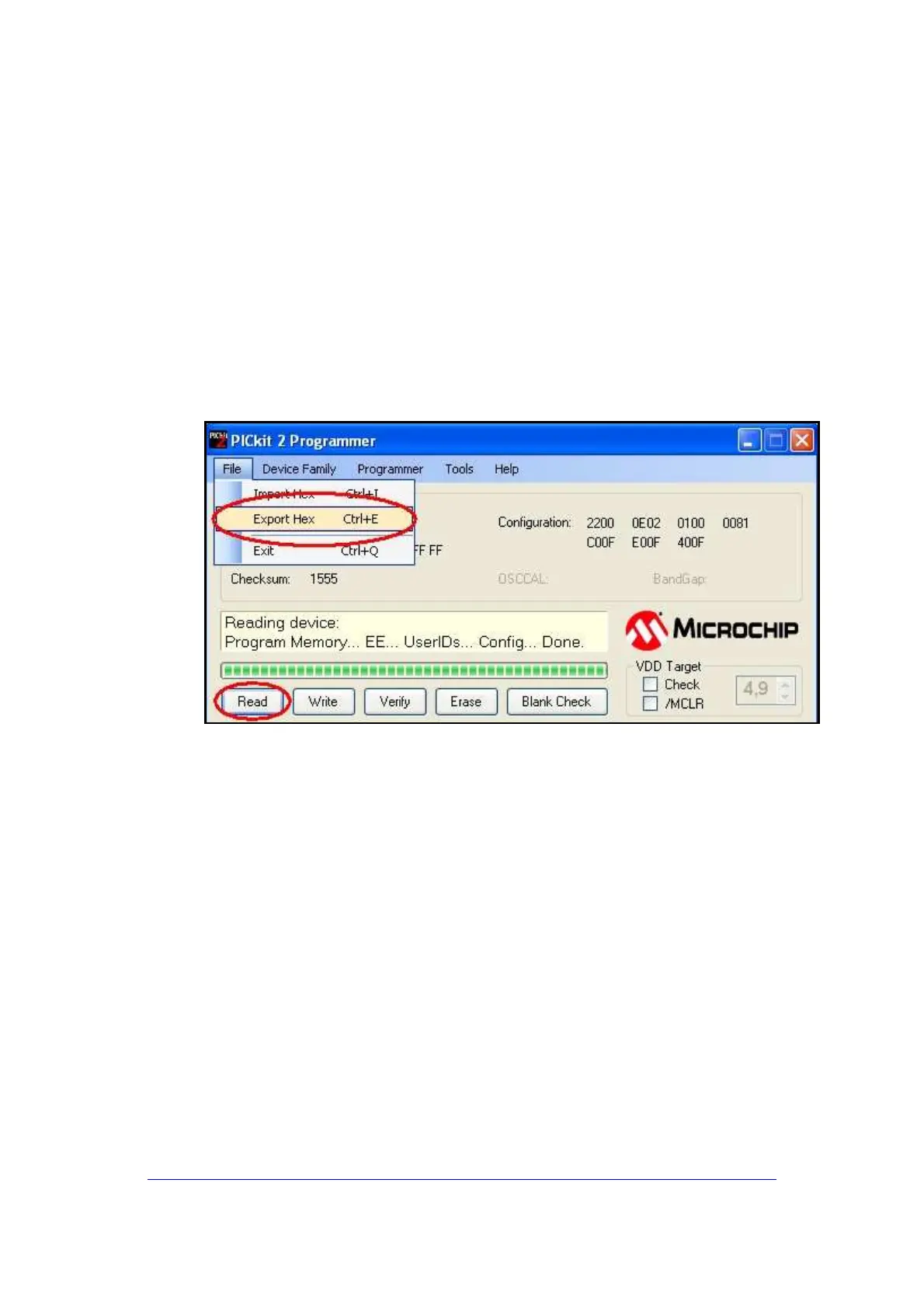
Make a backup copy of the software installed in the equipment:
•
Push Read.
•
When the process is complete, in the menu "File" select "Export"
and choose a name and a location where you like to save the
backup (fig.13)
Fig.13



 To Next Page