Assistant Service
Manual
OPTIKON 2000
Code 121008S
10-8 Rev. D
10.4 STEP 4 - INSTALL THE NEW SOFTWARE
•
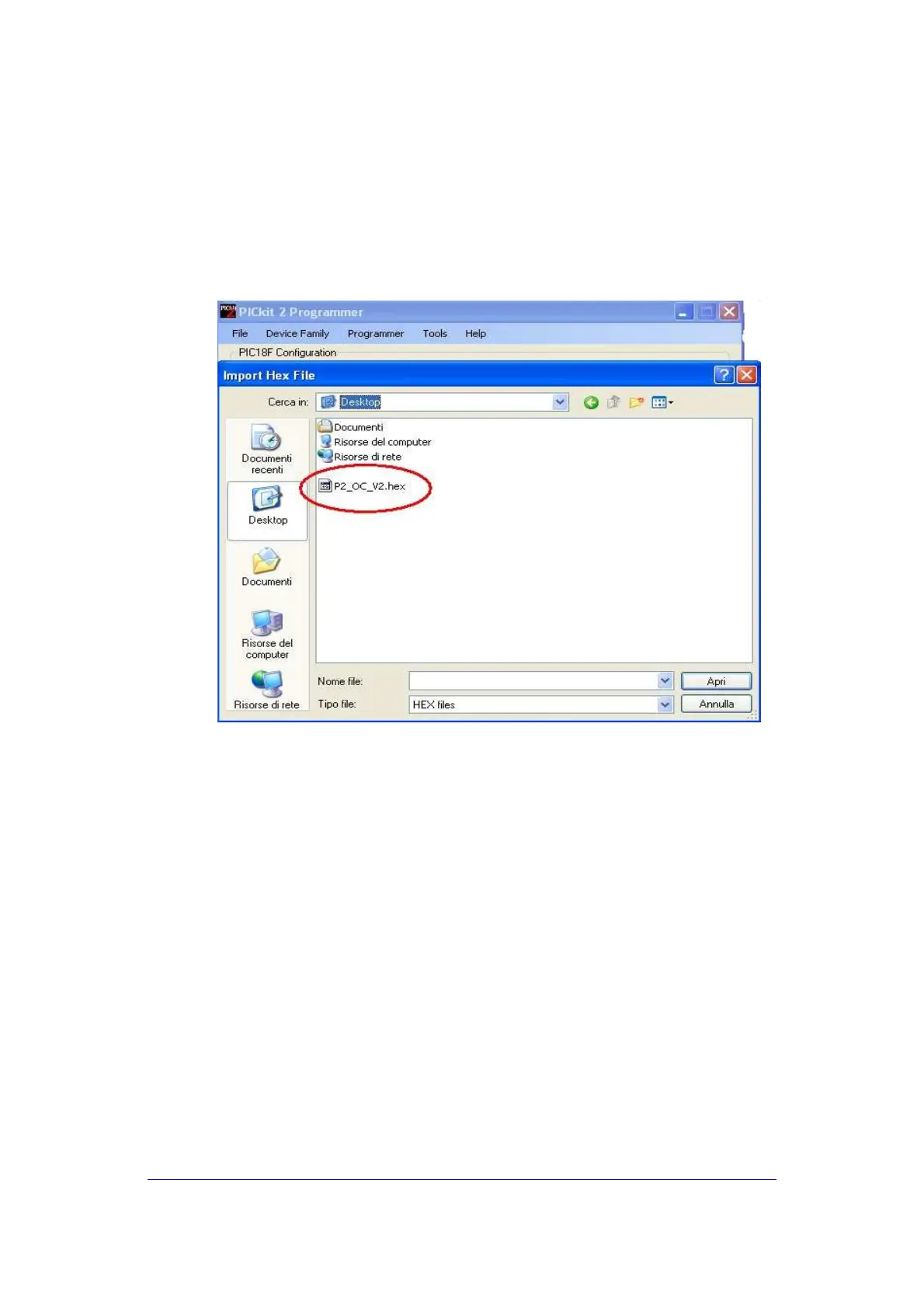
Save on the Desktop the *.hex file relevant to the upgrade
•
In the menu "File" select "Import". Locate on the Desktop the new
program file and click OK (fig.14)
Fig.14
•
Push Write and wait until the programming and verification
process are completed. The background of the message frame in
the Program window should turn green and indicate the process
was successful.
•
Unplug the programming tool from the Assistant and restart the
equipment.



 To Next Page