OPTIMUM
MASCHINEN - GERMANY
808D
Page 140 Operating and Programming — Milling
ISO Mode
Brief instruction 808D Milling
ISO Mode
Description
This unit describes the ISO operating functions in 808D, compares the similarities and
differences of the machining code in DIN mode and ISO mode and shows how to transfer
and implement the ISO machining program. The examples is ISO mode chapter can be
run in 808D ISO mode.
Content
Basic Theory
End
ISO
function
switch
ISO program
transfer and
operation
ISO code
explanation
Siemens standard machining codes are implemented in DIN
mode. The 808D also provides appropriate functions for
implementing the ISO commands, but the ISO mode must be
activated during operation.
ISO
function
switch
ISO function switch
Method 1
+
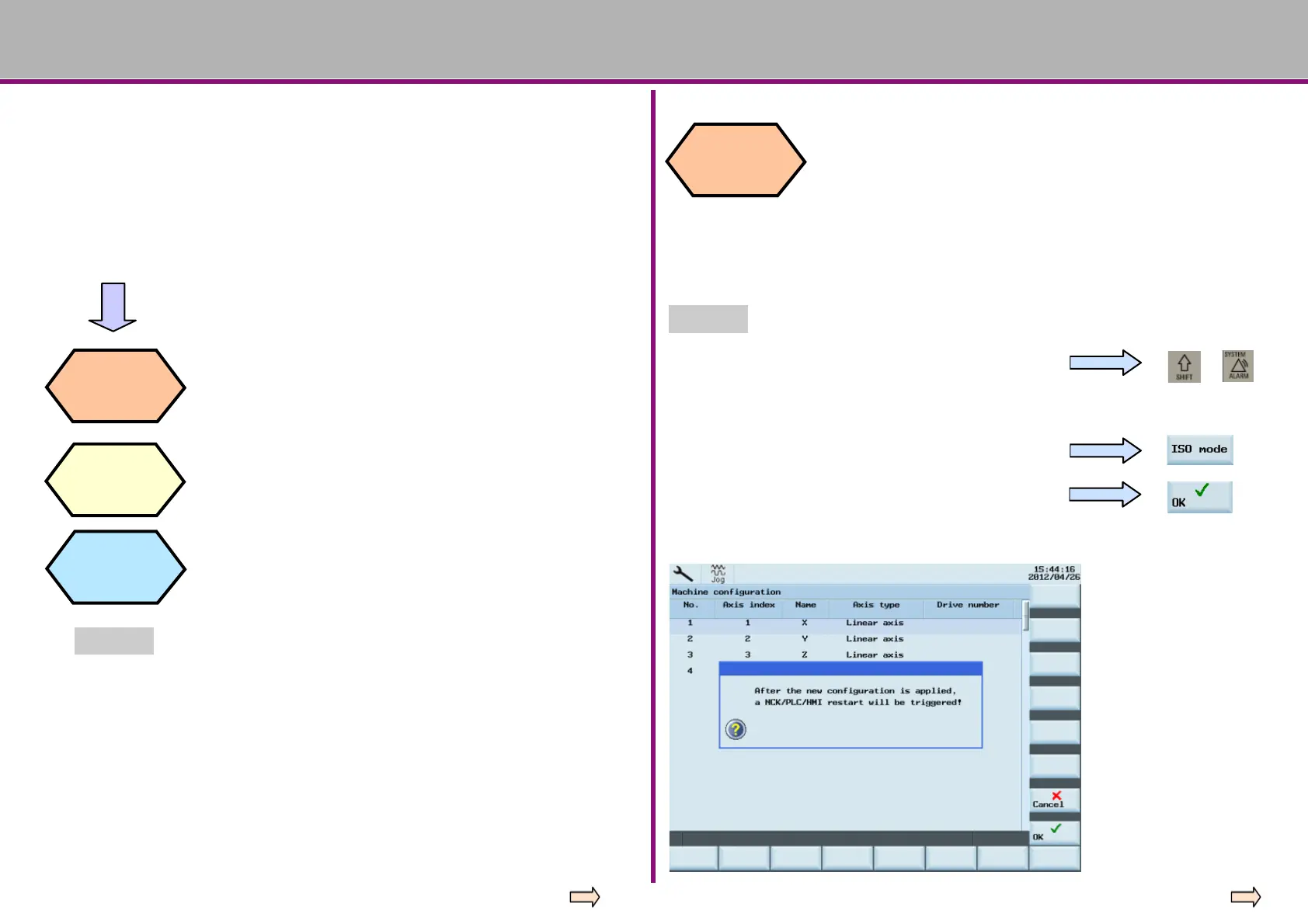
Press the “Shift” + “System - Alarm” keys on the PPU.
Input the manufacturer’s password (“SUNRISE”)
Press the “ISO mode” SK on the right.
A dialog box appears prompting whether to activate
the new setting. Select the “OK” SK to activate it.





 To Next Page