DV11 / DVD100 / U2 / U3 2-3
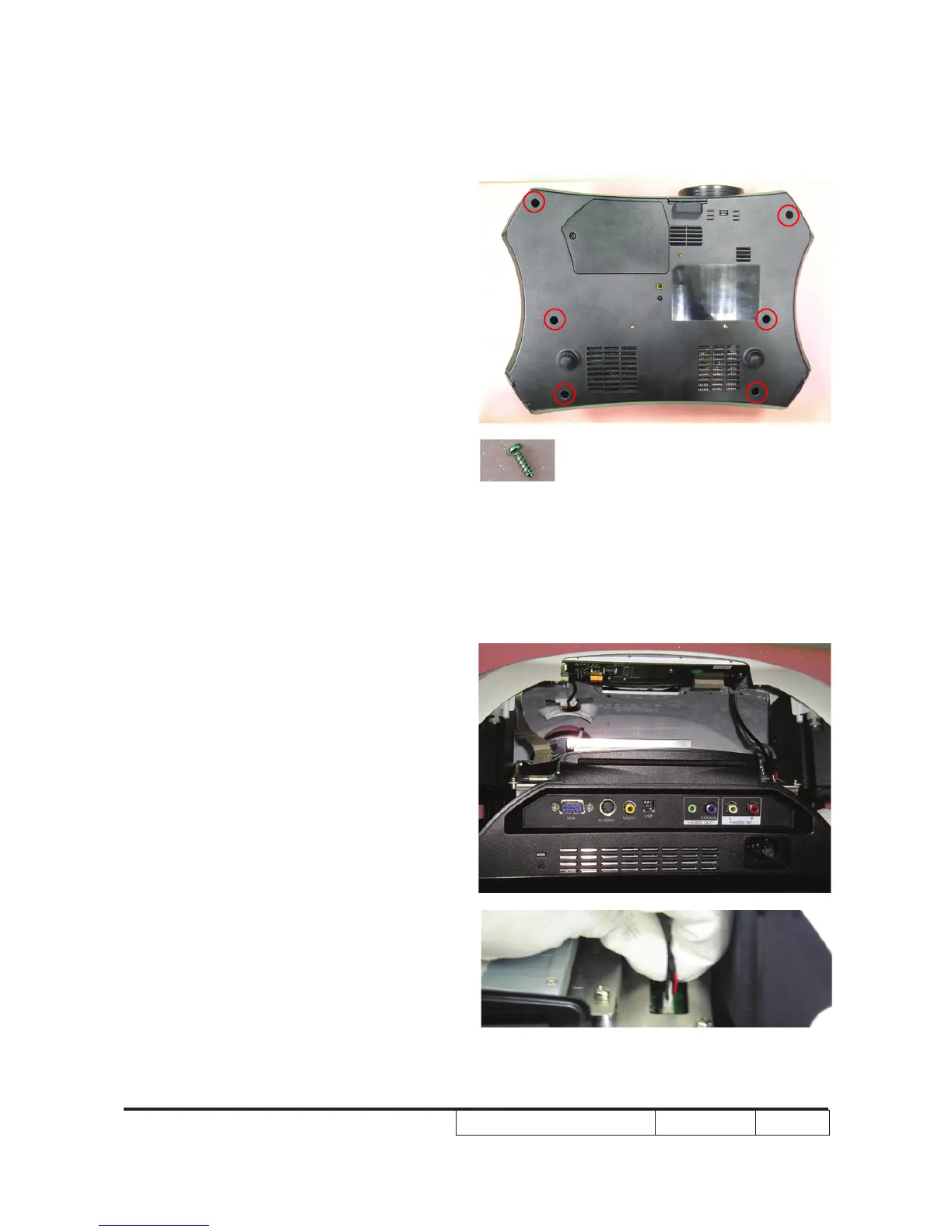
2-4 Disassemble Top Cover
Module
1. Unscrew 6 screws on the unit base
Note: - Avoid damage by pulling and dragging
IR cable and keypad FPC cable.
- Hold the CNNT plug when pulling the
FPC cable is strongly recommended.
Pulling the cable directly from the unit
will cause the cable damages.
- Make sure cables are plug in the
correct ports when assembling the
unit.



 To Next Page