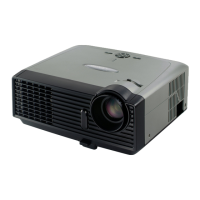
DV11 / DVD100 / U2 / U3 2-16
2-23 Bottom Cover Module &
Elevator
1. Unscrew 2 screws on the elevator
2. When disassembling the springs, please
refer to the bottom images.
2-22 Rod Module
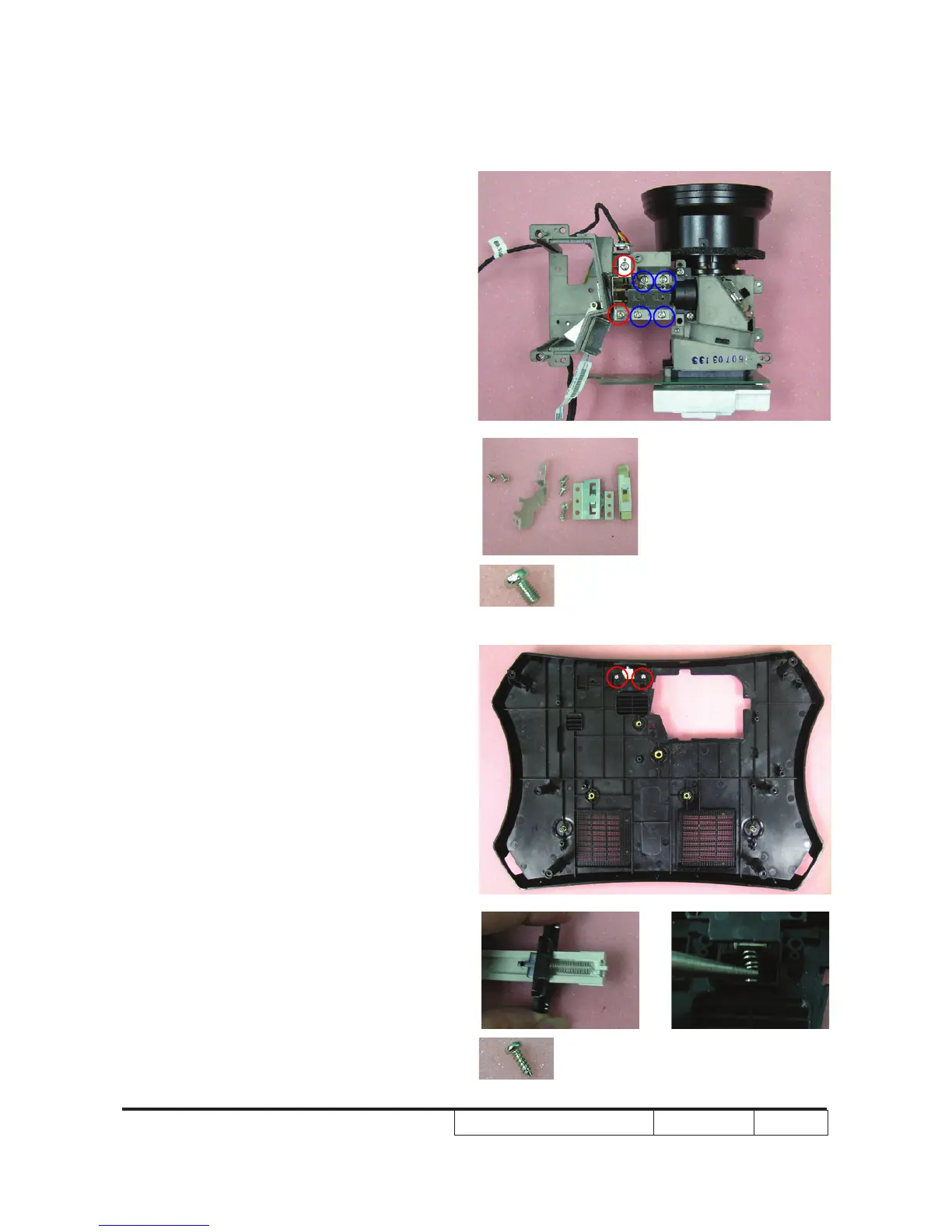
1. Unscrew 2 screws on the rod hide ray
plate
Note: - To make sure that rod and rod x plate
are placed next to each other.
- If there is dirt on the interior of the rod,
please use an electrostatic ion gun to
clean it.


 To Next Page