DV11 / DVD100 / U2 / U3
4-9
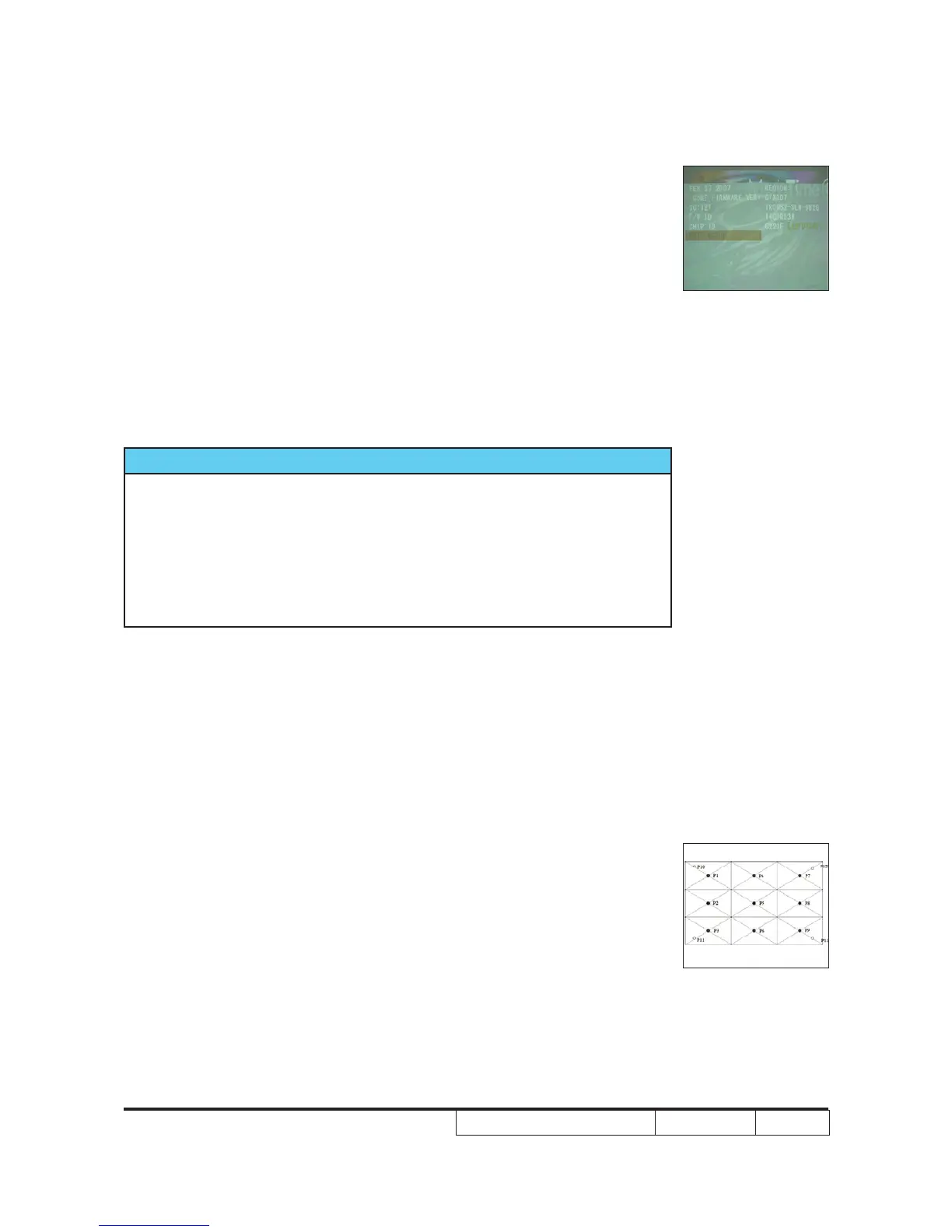
Check region - Turn on the unit and wait until the image ap-
pears on the screen.
to check if the region code is right or not
Criteria - Logo image appears
4-10 Optical Performance Measure
Inspection Condition
- Environment luminance: 5 Lux
- Product must be warmed up for 3 minutes
- Reset to default before measurement.
1. Test equipment
Procedure - Test equipment: video generator.
2. Brightness
Procedure - Full white pattern
- Use CL100 to measure brightness values of
- Follow the brightness formula to calculate
brightness values.
Criteria • 495 Lumens• 495 Lumens 495 Lumens
check region
Full white pattern



 To Next Page