DV11 / DVD100 / U2 / U3
5-4
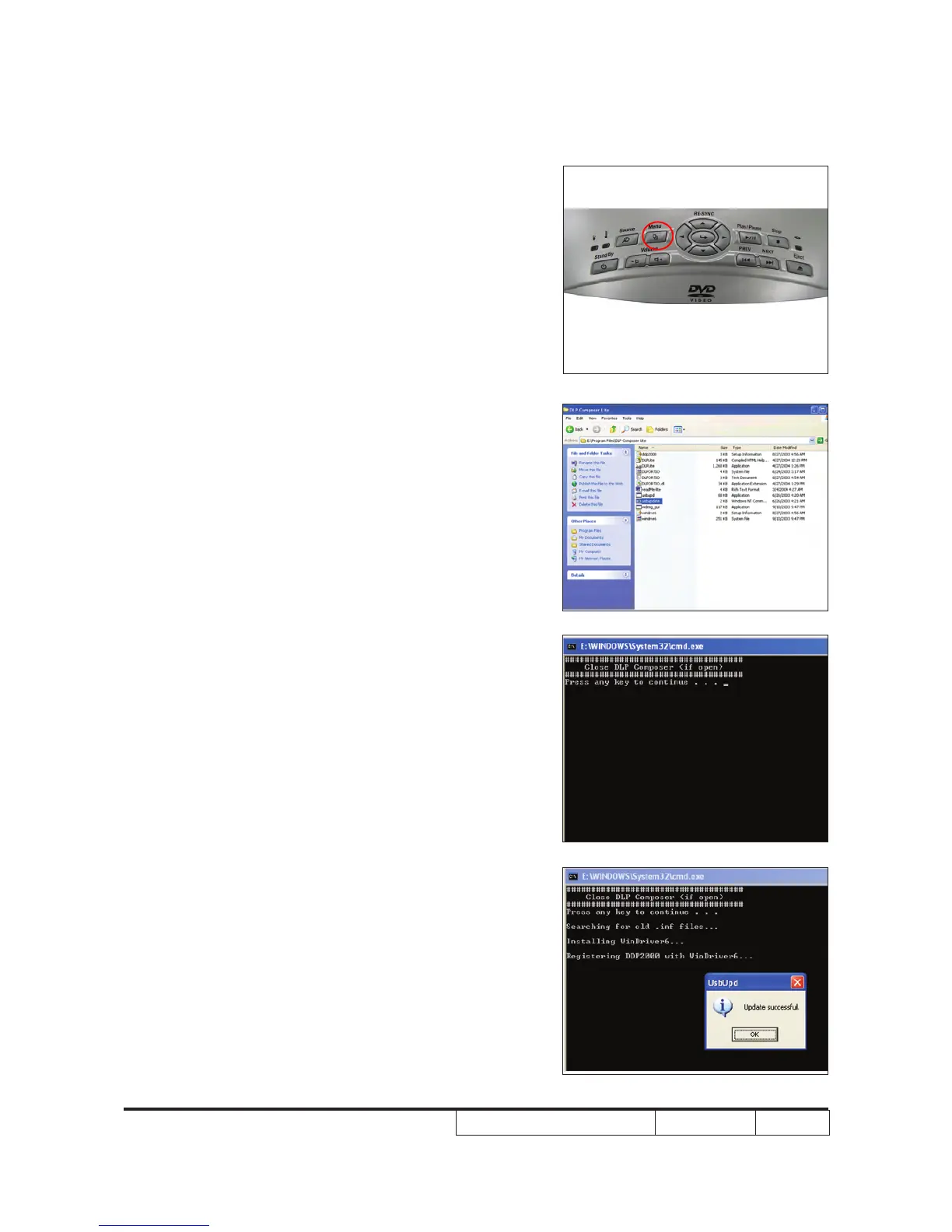
5-3 USB Driver Upgrade
Procedure
1. set up
- When the power, lamp and temp LED
lights up, plug in USB cable into the
projector and link to the USB port of a PC.
(Power LED light in green; Temp/lamp
light in red.)
Note: The system fan and the light will not
operated.
2. Execute Program
folder.
Note: “DLP Composer” must be closed rst.
3. Press any key to continue and wait for
about 1 minute.
4. Update Successfully.



 To Next Page