DV11 / DVD100 / U2 / U3
5-6
5-4 Firmware Upgrade
Procedure
1.
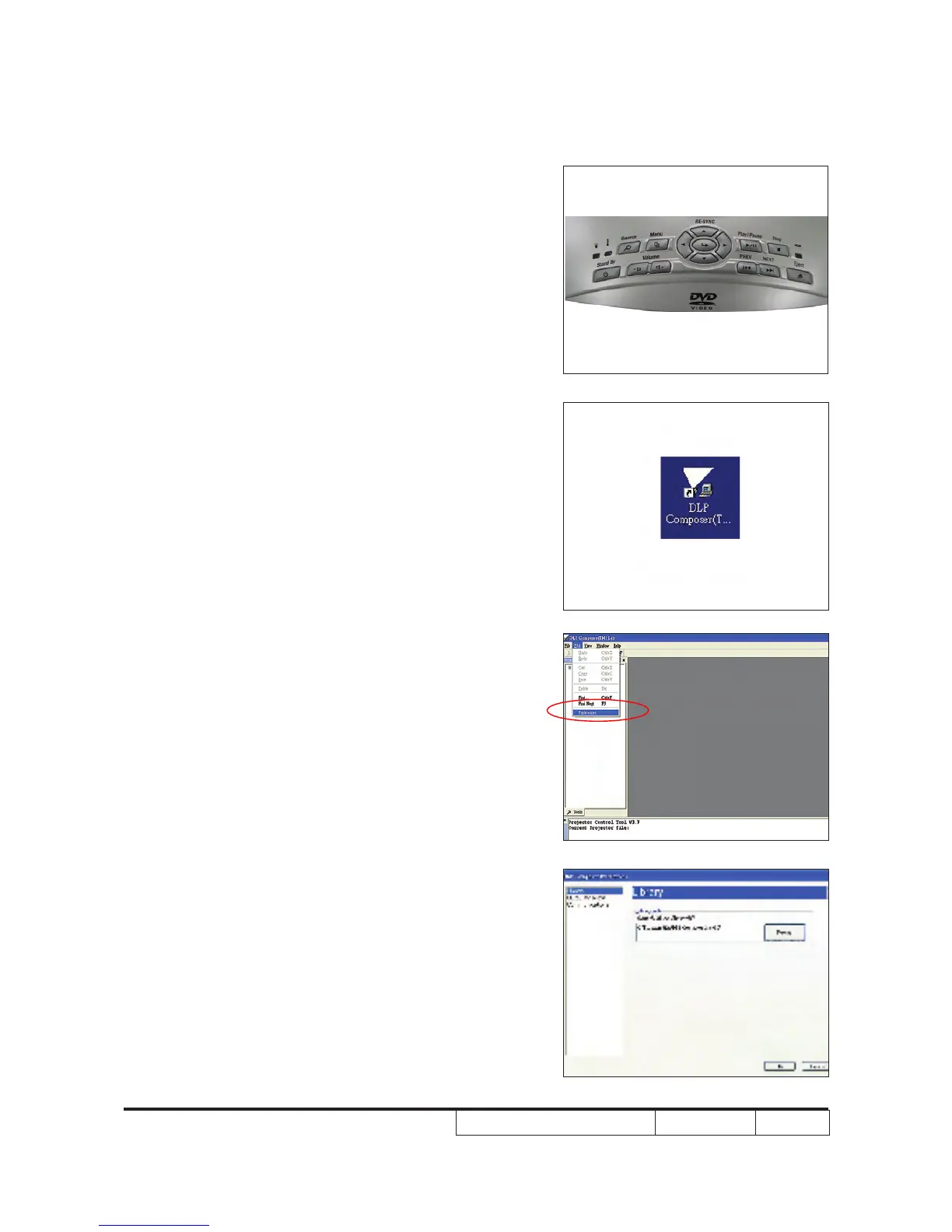
Set-up
- Once power, lamp and temp LED lights
up, plug in USB cable into the projector
and link to the USB port of a PC.
Note: The system fan and the light will not
operated.
2.
.
- The library path located in the default
installation directory.
- C:\Program Files\DLP Composer Lit 6.0
Note: If not, press “Browse” to select the right
path.



 To Next Page