Version Update v v
Color Wheel Index v v
Reset lamp hour v
OSD v v
EDID v
Re-write Lamp
Hour Usage
v
Note: If Color appears abnormal after changing Main Board Module,
please do Color Wheel index adjustment.
4-6 PC MODE
1. Frequency and tracking boundary
Procedure - Test equipment: video generator.
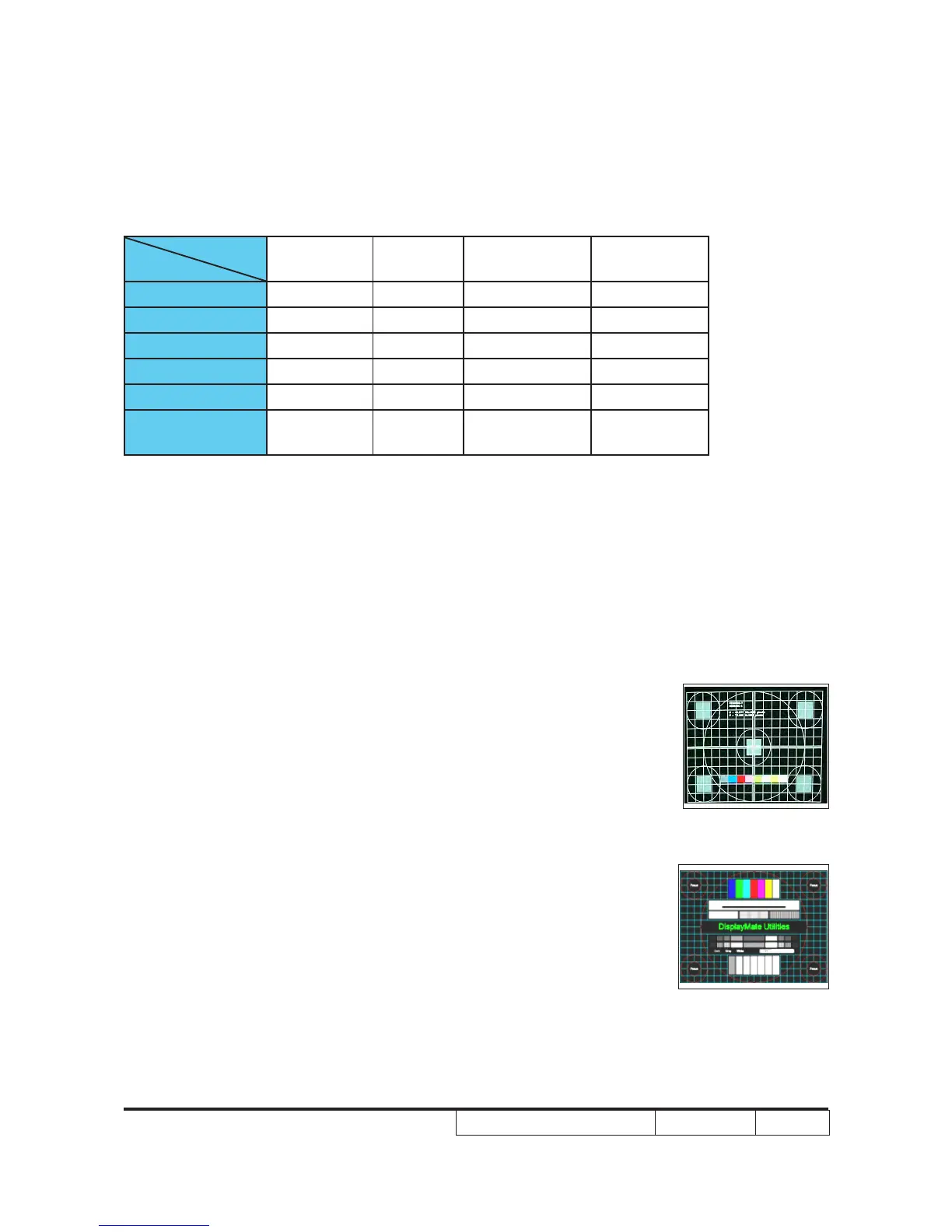
- Test Pattern: general-1 or master
- Check and see if the image sharpness is well-
performed.
- If not re-adjust by the following steps:
total pixel number of pixel clock in one line
period.
- Adjust Resync or Frequency/Tracking/H. Posi-
tion/V. Position to the inner screen.
Inspection item - Eliminate visual wavy noise by Rsync, Fre-
quency or Tracking selection.
- Check if there is noise on the screen.
should be adjustable to the screen frame.
Master
General-1



 To Next Page