DV11 / DVD100 / U2 / U3
4-7
Defect specication table
Order Symptom Pattern Criteria
1 Bright pixel ( dots)
Black pattern
2 Dark pixel(dots) White pattern
3 Unstable pixel (dots) Any pattern
4
Adjacent dark pixel
(dots)
Any pattern
5 Dark blemish (Dirty) Blue 60 pattern
(diameter <1/2 inch)
6 Bright blemish (Dirty) Gray 30 pattern
(diameter <1/2 inch)
7 Bright dot on frame Black pattern 2
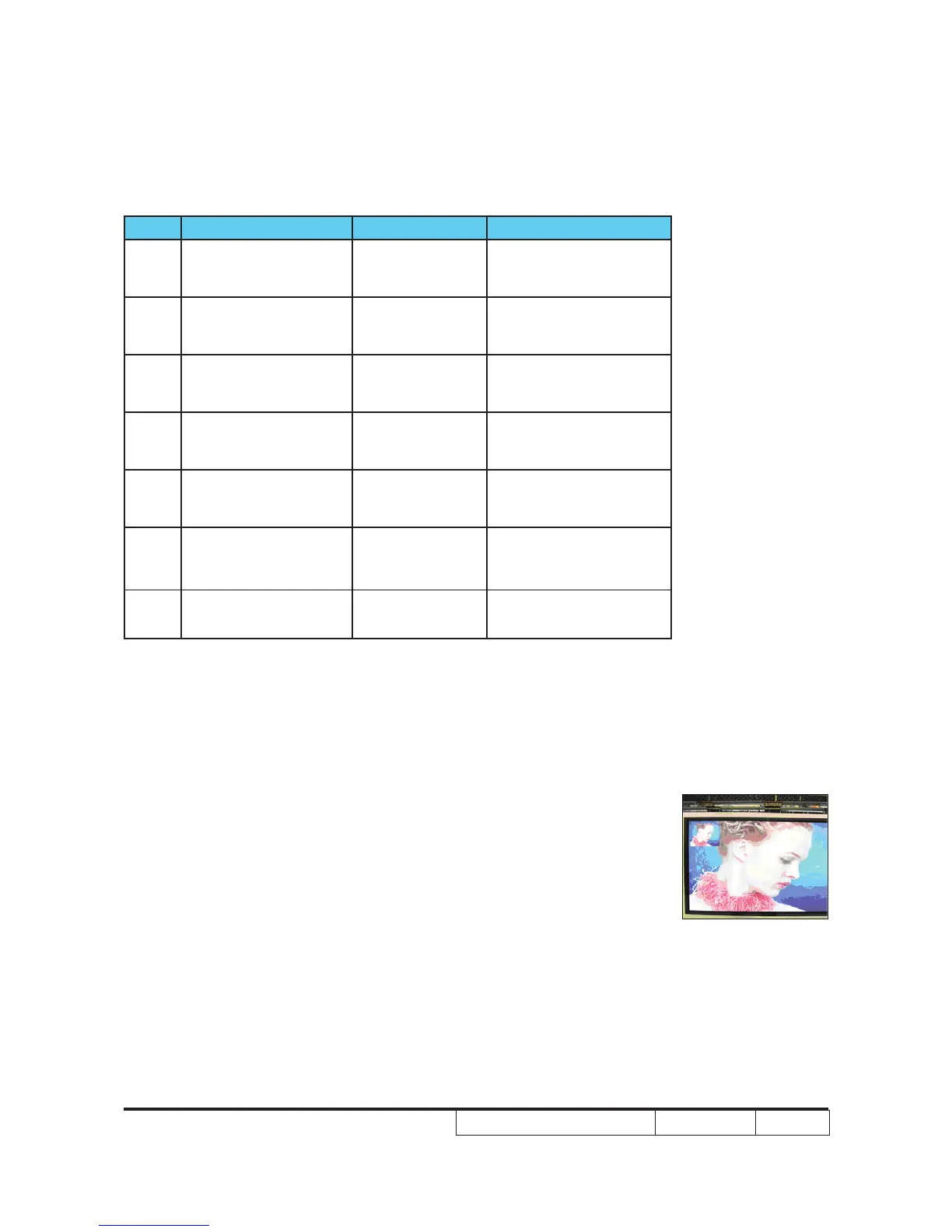
4-8 Video Performance
1. CVBS
Procedure - Test equipment: DVD player
- Test signal: CVBS
Inspection item - Video performance test
Inspection Distance - 1.7M
Criteria - Check any abnormal color, line distortion or any
noise on the screen.
- Check the sound from speakers.
2. S-Video
Procedure - Test equipment: DVD player
- Test signal: S-Video
Motion video



 To Next Page