DV11 / DVD100 / U2 / U3 2-15
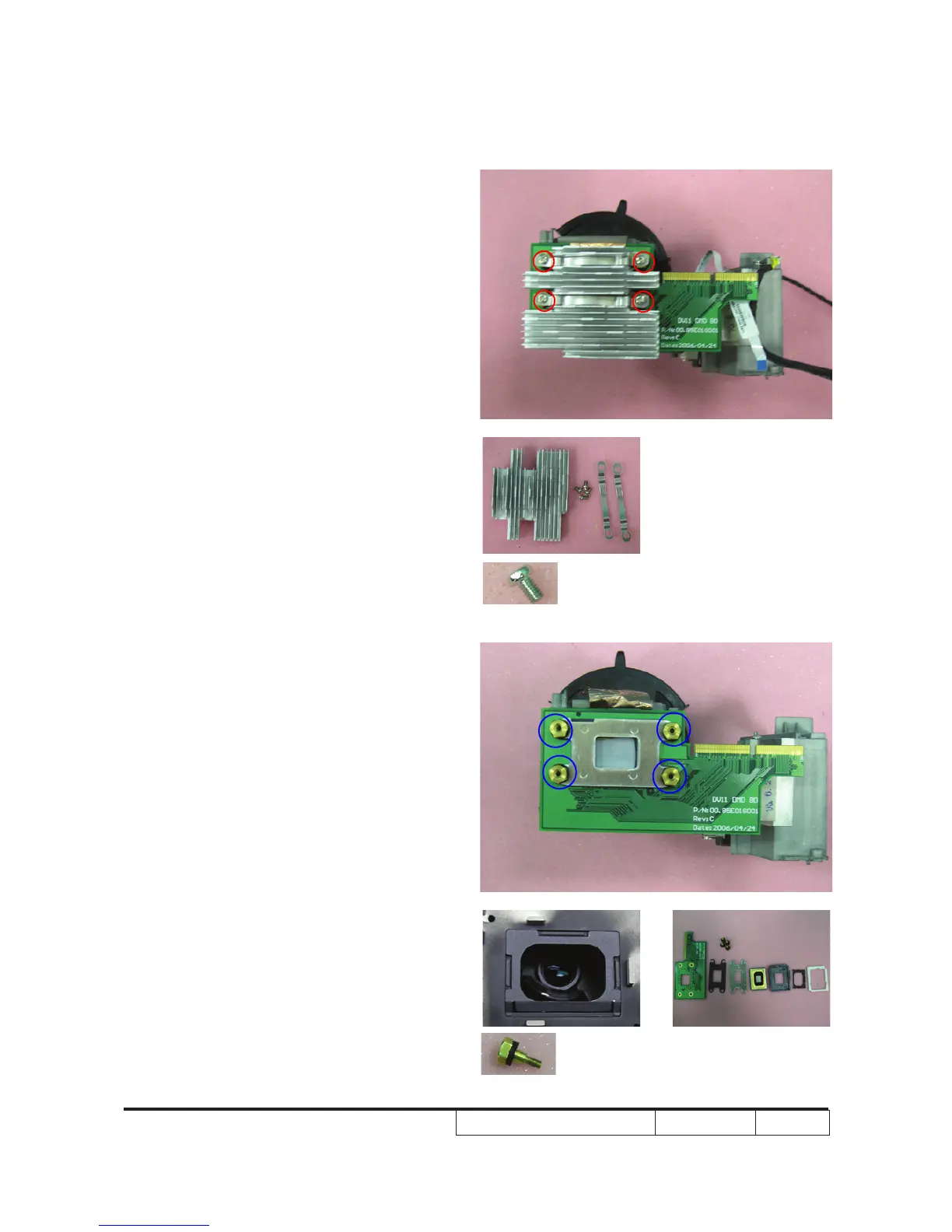
2-21 Disassemble DMD Chip
1. Unscrew 4 screws on the heatsink.
2. Unscrew 4 screws on the heatsink
bracket.
Note: - The manner of placing a DMD mask
- Use an electrostatic ion gun to puff the
engine room in the DMD mask
- If there are scrapes or dirt on the DMD
chip when using a magnifying glass to
have a close look, use an electrostatic
ion gun to clean it.
- To double check and see if the pin is
out of shape.



 To Next Page