DV11 / DVD100 / U2 / U3
5-9
5-5 DVD region code
1. Region 1 - America
3. Region 3 - ROW, Taiwan, Hong Kong
4. Region 4 - South America, Australia
5. Region 5 - Pan-EMEA, Indian
6. Region 6 - China
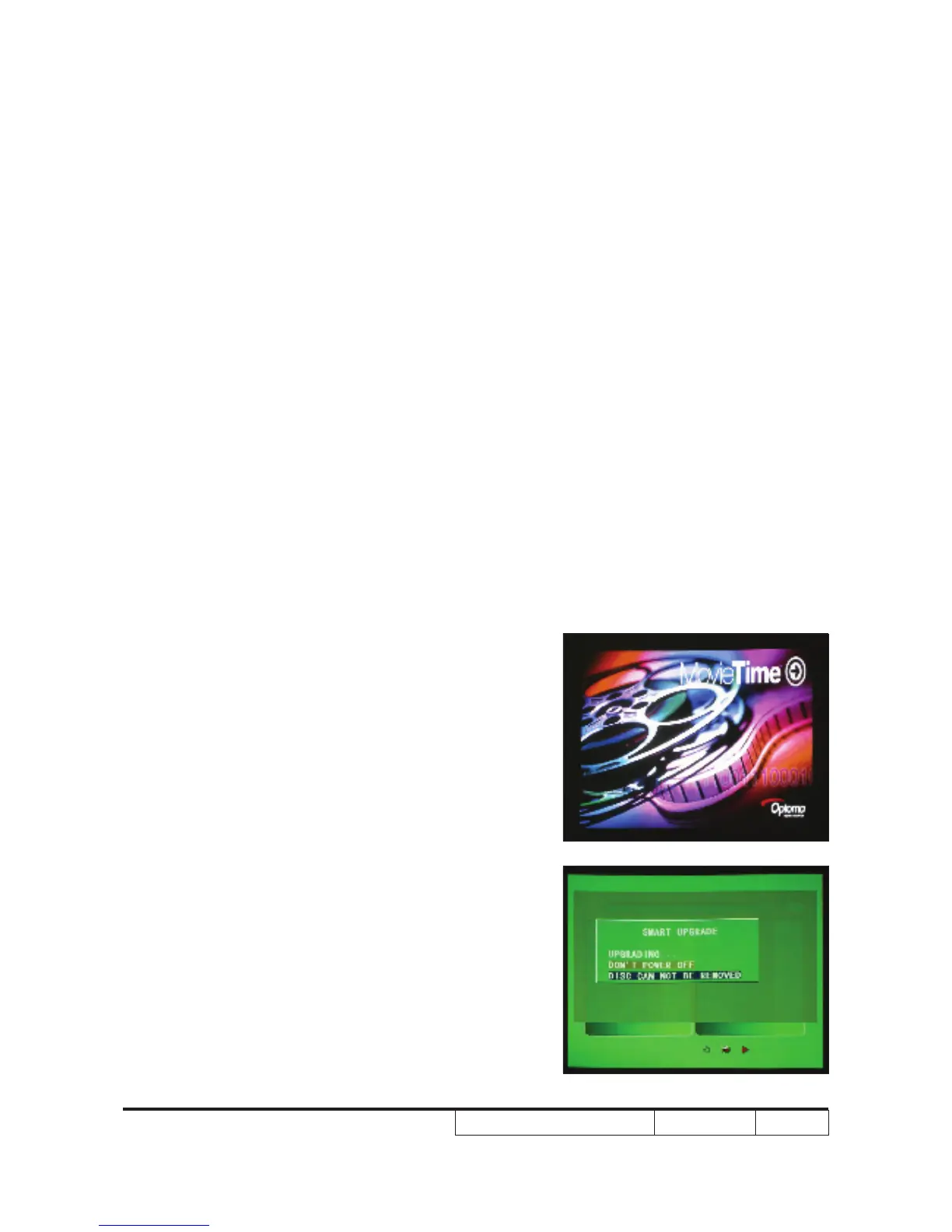
5-6 DVD Code Installation
Procedure
1. Turn on DV11 unit and wait until the right
image shows on the screen (signal source
is from DVD loader)
2. Put the DVD code CD into DVD loader. The
CD will be running automatically.
Note: If you do not have the CD, please do the
following steps:
( 1) A CD-RW burner to make the CD is
needed
(2) Make sure that the le name in the CD
MUST be dvdrom.bin



 To Next Page