EasyManua.ls Logo

Optoma DV11 - Page 52

Optoma DV11
68 pages
Print Icon
To Next Page IconTo Next Page
To Previous Page IconTo Previous Page
Loading...
DV11 / DVD100 / U2 / U3 
5-8


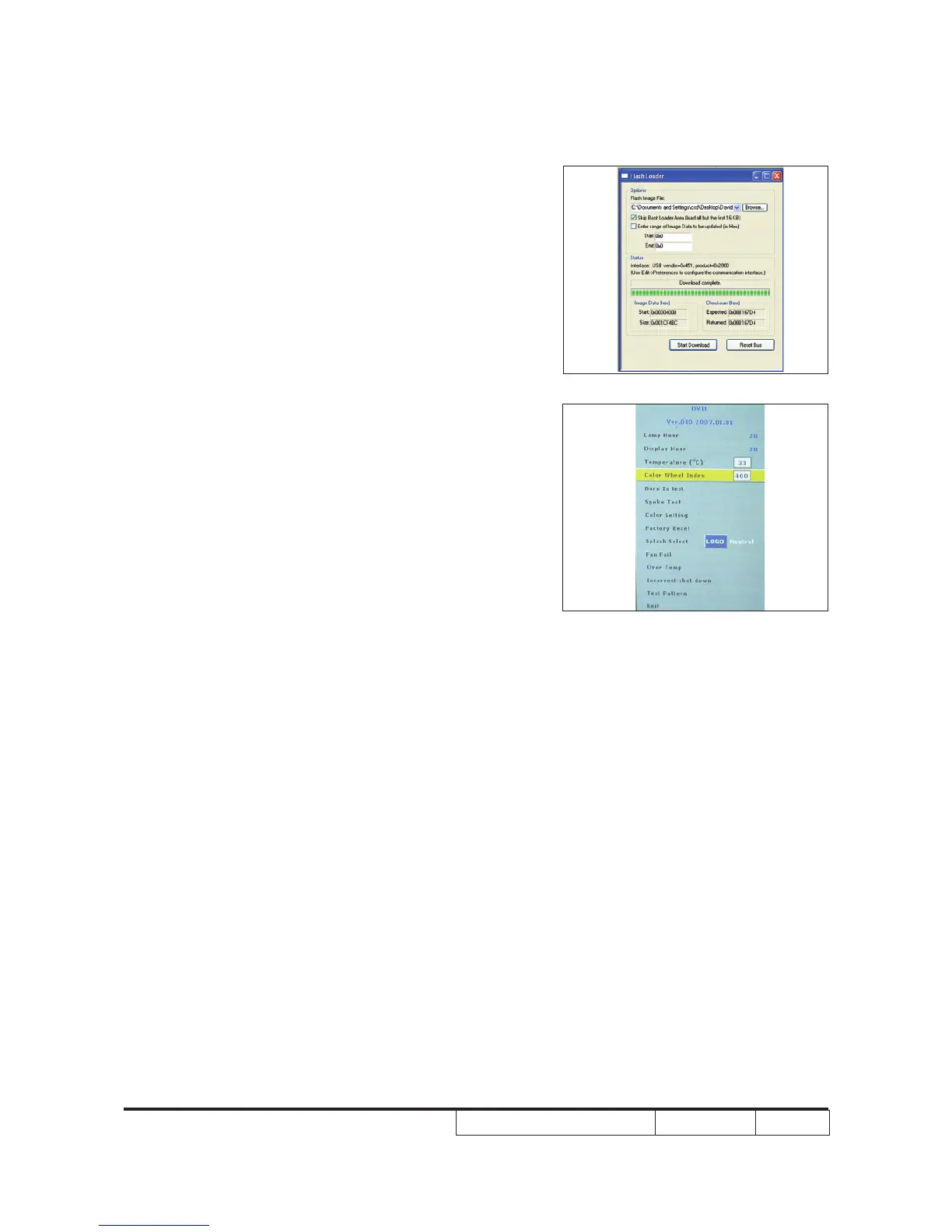
The LED power lights on and appears blue.
- Unplug USB cable and power cord and
replug in power cable.
10. Restart the unit and get into the service

(To get into service mode, please refer to
Chapter 4 Funcation Test and Alignment
Procedure.)

Other manuals for Optoma DV11

Related product manuals