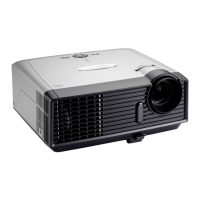
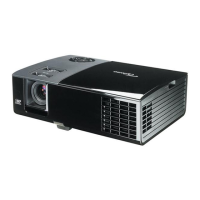
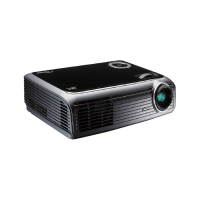
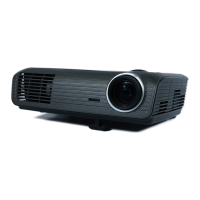
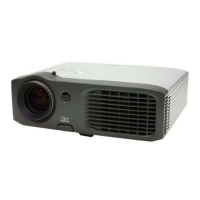
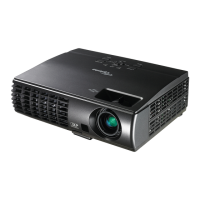
EP783/EP783S/EP783L/OPX5000/TX783L/TX783S
Condential
3-6
No Symptom
Procedure
15
Unbalance
- Adjust “Zoom/ Focus” and “ Lens shift ” button on keypad
- Check the Motor, if you haven’t heard “ KA KA “ when do
above action
- Do “Lens Calibration” in Service Mode
- Check Engine Module
- Check MB
16 Lens Shift Failed
- Ensure the connection between Engine and Main Board is ok
- Check Engine Module
- Check the Main Board
17
Network Fail
- Ensure you have set up the right IP address and the connection
is OK(Network green LED should light up)
- Check LAN Module- Check Main Board
18 Wireless Fail
- Ensure you have set up the PC setting and the connection is
OK(Wireless green LED should light up)
- Ensure the wireless module was inserted in projector.
- Ensure you have reset the Wireless Module
- Check Wireless Module- Check Main Board


 To Next Page