EP783/EP783S/EP783L/OPX5000/TX783L/TX783S
Condential
3-2
3-2 Main Procedure
No Symptom
Procedure
1 No Power
- Ensure the Power Cord and AC Power Outlet are securely
connected
- Check Lamp Cover and Interrupt Switch
- Ensure all connectors are securely connected and aren’t
broken
- Check Lamp Driver
- Check LVPS
- Check Main Board
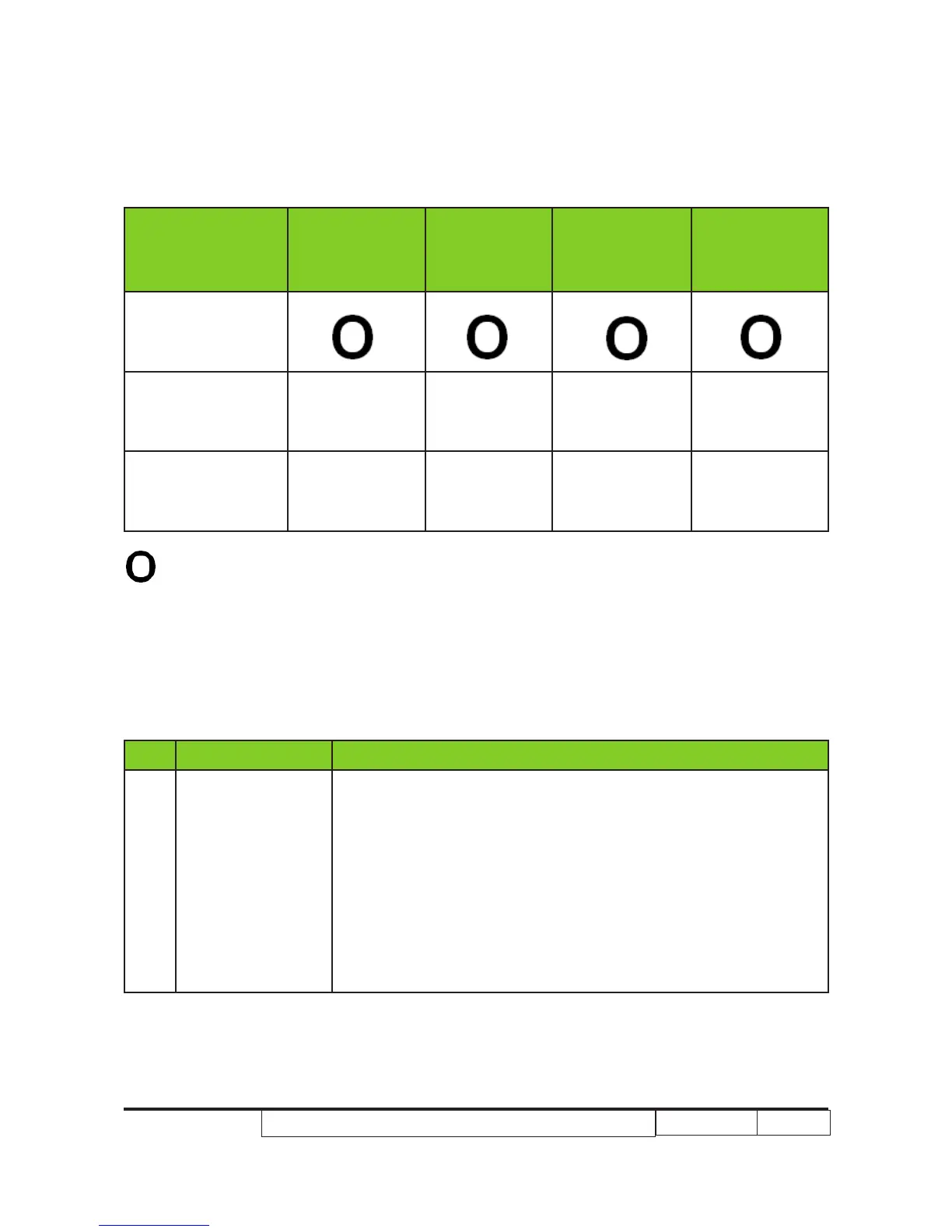
Directional Key_LED Lighting Message
Message Up Down Left Right
Direction Function
Zoom & Focus
Adjustment
Green Green Red Red
Lens Shift
Adjustment
Orange Orange Orange Orange
No Light



 To Next Page