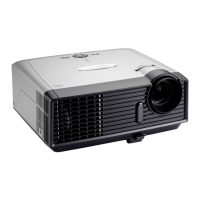
EP783/EP783S/EP783L/OPX5000/TX783L/TX783S
Condential
4-8
5. Audio Test
Procedure - Test equipment: DVD player
- Test signal: CVBS
Inspection item - Audio performance test
Inspection Distance - 1.8M ~2.5M
Criteria - Check the sound from speakers.
- Check “Volume” is normal
- Check “Mute” is normal
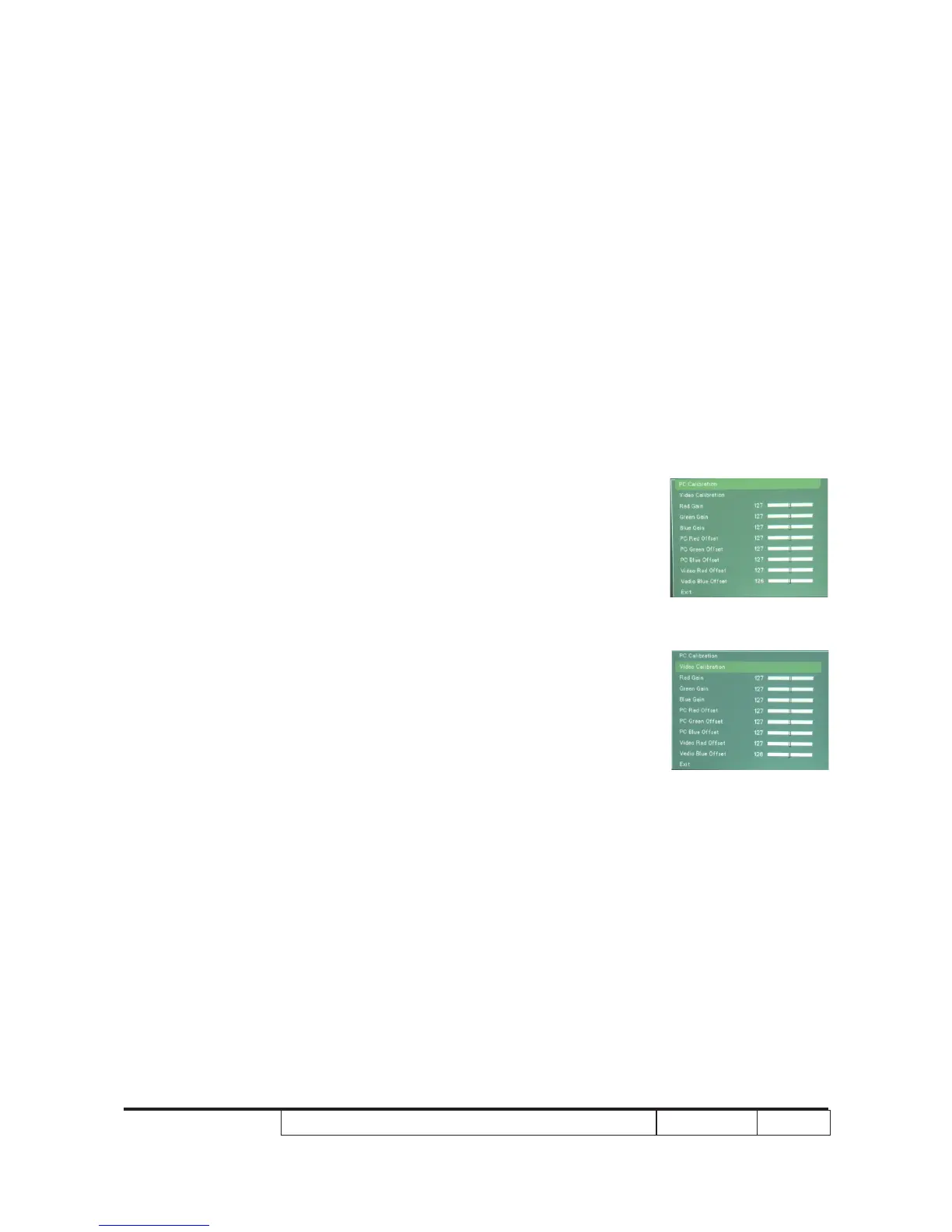
4-8 PC/Video Calibration
Procedure - Test equipment: Video generator
- Timing/Pattern:
14/47 1024*768@60Hz 16 Gray (PC calibration)
79/47 HDTV 720P 16 Gray (Video calibration)
(1) Press “Power”, “Left”, “Left” and “Up”
button sequentially.
(2) Use "Up" and "Down" to select "Color
Setting", press "Enter".
(3) Choose "PC Calibration"(3) Choose "PC Calibration"
(PC calibration)
Choose "PC Calibration"
(Video calibration)
(4) Press “Enter” get into PC/Video Calibration.
4-9 Lens Calibration
(1) Press “Power”, “Left”, “Left” and “Up” button sequentially.
(2) Choose "Lens Calibration".
(3) Press “Enter” get into Lens Calibration.
PV Calibration
Video Calibration



 To Next Page