EP783/EP783S/EP783L/OPX5000/TX783L/TX783S
Condential
4-12
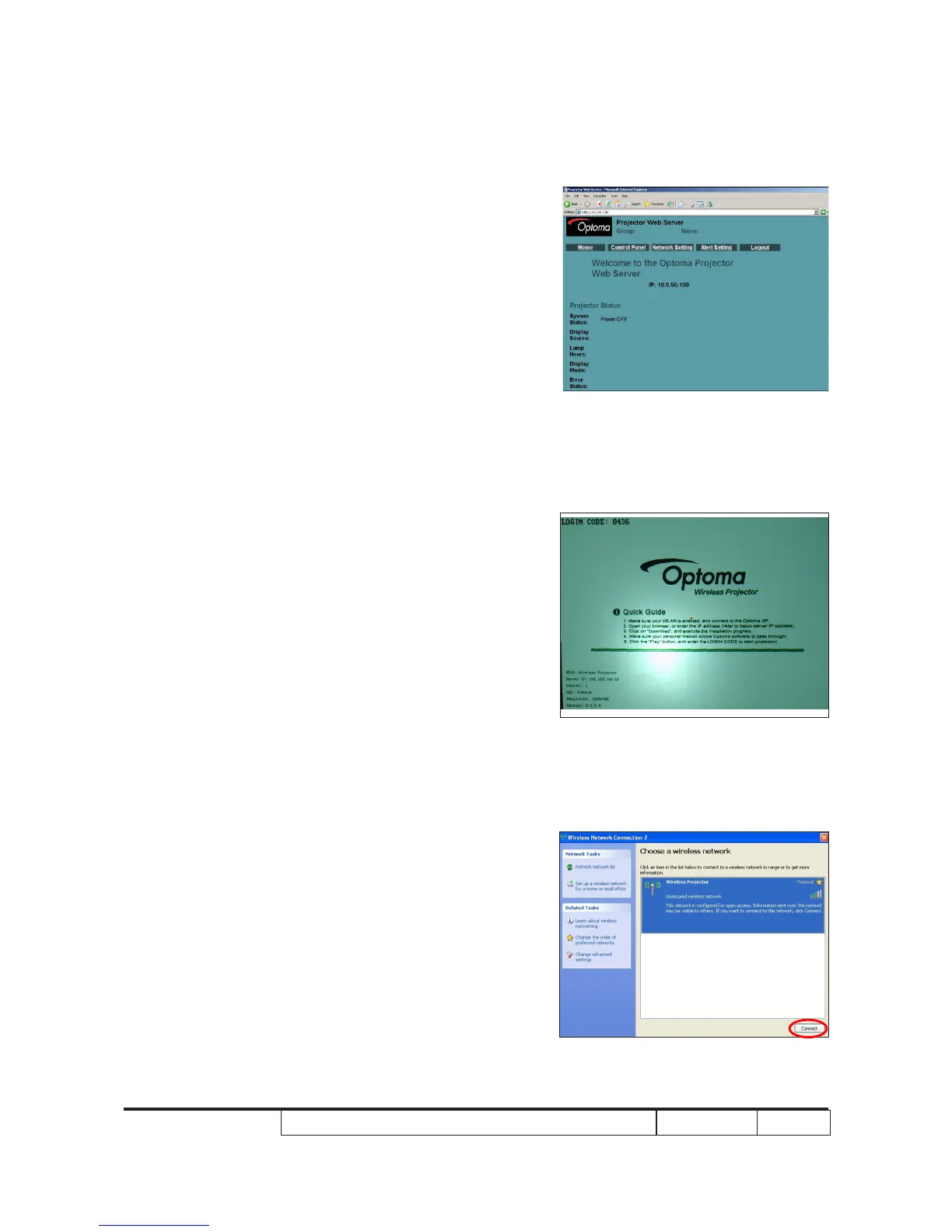
3. Read Projector Information
(1) Connect the PC and the Projector with LAN Cable.
(2) Click “Internet Explorer”.
(3) Write the IE address: http://10.0.50.100
(4) Then the information will be shown on the web.
4-12 Wireless Function Test
1.Projector Settingrojector Setting
- Power on projector on projector
- Press “sourse” button until the screen show
Wireless Logo.o.
2. PC Setting
(1) Open the “Wireless Network connection2”.
- Click “Connect”.



 To Next Page