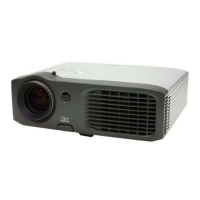
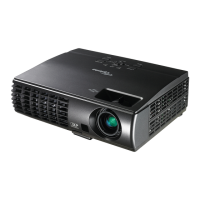
EP783/EP783S/EP783L/OPX5000/TX783L/TX783S
Condential
3-3
No Symptom
Procedure
2 Auto Shut Down
- Check LED Status
a. Lamp LED Light, Standby LED on, Temp LED off
- Check Lamp
- Check Lamp Driver
- Check LVPS
- Check Main Board
b. Temp LED Light, Standby LED on, Lamp LED offStandby LED on, Lamp LED off
- Check Thermal Sensor
- Check Thermal Switch
- Check Fan
c. Standby LED on blue 2 minutes then change to red, Temp LEDStandby LED on blue 2 minutes then change to red, Temp LED LED on blue 2 minutes then change to red, Temp LEDLED on blue 2 minutes then change to red, Temp LEDon blue 2 minutes then change to red, Temp LEDTemp LED
off, Lamp LED off 2 minutes later, on 5 seconds, then off again.
- Check Color Wheel
- Check Photo Sensor
3 No Light On
- Ensure all connectors are securely connected and aren’t
broken
- Check Lamp Module
- Check Lamp Driver
- Check LVPS
- Check Main Board
- Check Color Wheel
- Check Photo Sensor


 To Next Page