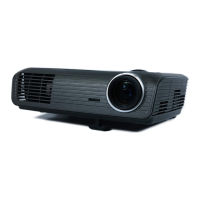
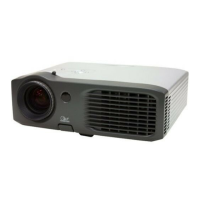
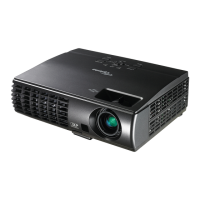
EP783/EP783S/EP783L/OPX5000/TX783L/TX783S
Condential
6-5
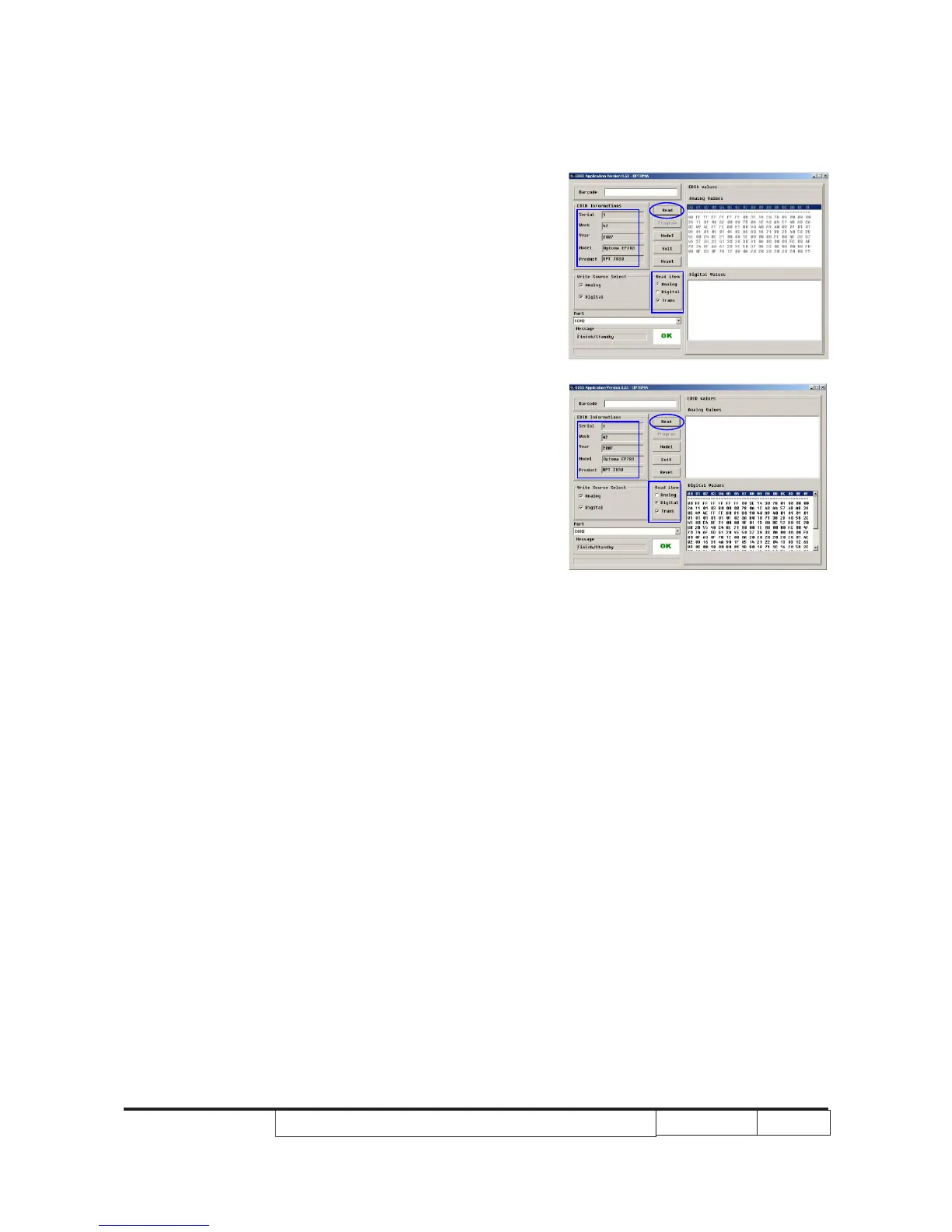
7. Read EDID “Analog” information
- In the Read item,select “Analog”and “Trans”,
then click the “Read” button.
8. Read EDID “Digital” information
- If EDID’s information is correct,select
“Digital” and“Trans” in the Read item,then click
the "Read" button.
- EDID informations will show the result.


 To Next Page