English
26
USING THE PROJECTOR
3. Press the “ ” button again to conrm, otherwise the message will disappear after 15 seconds. When
you press the “ ” button for the second time, the projector will shut down.
4. The cooling fans will continue to operate for about 1 second. When the On/Standby LED turns solid
red, this indicates the projector has entered standby mode. If you wish to turn the projector back on,
simply press the “ ” button.
5. Disconnect the power lead from the electrical outlet and the projector.
Selecting an input source
Turn on the connected source that you want to display on the screen, such as computer, notebook, video player,
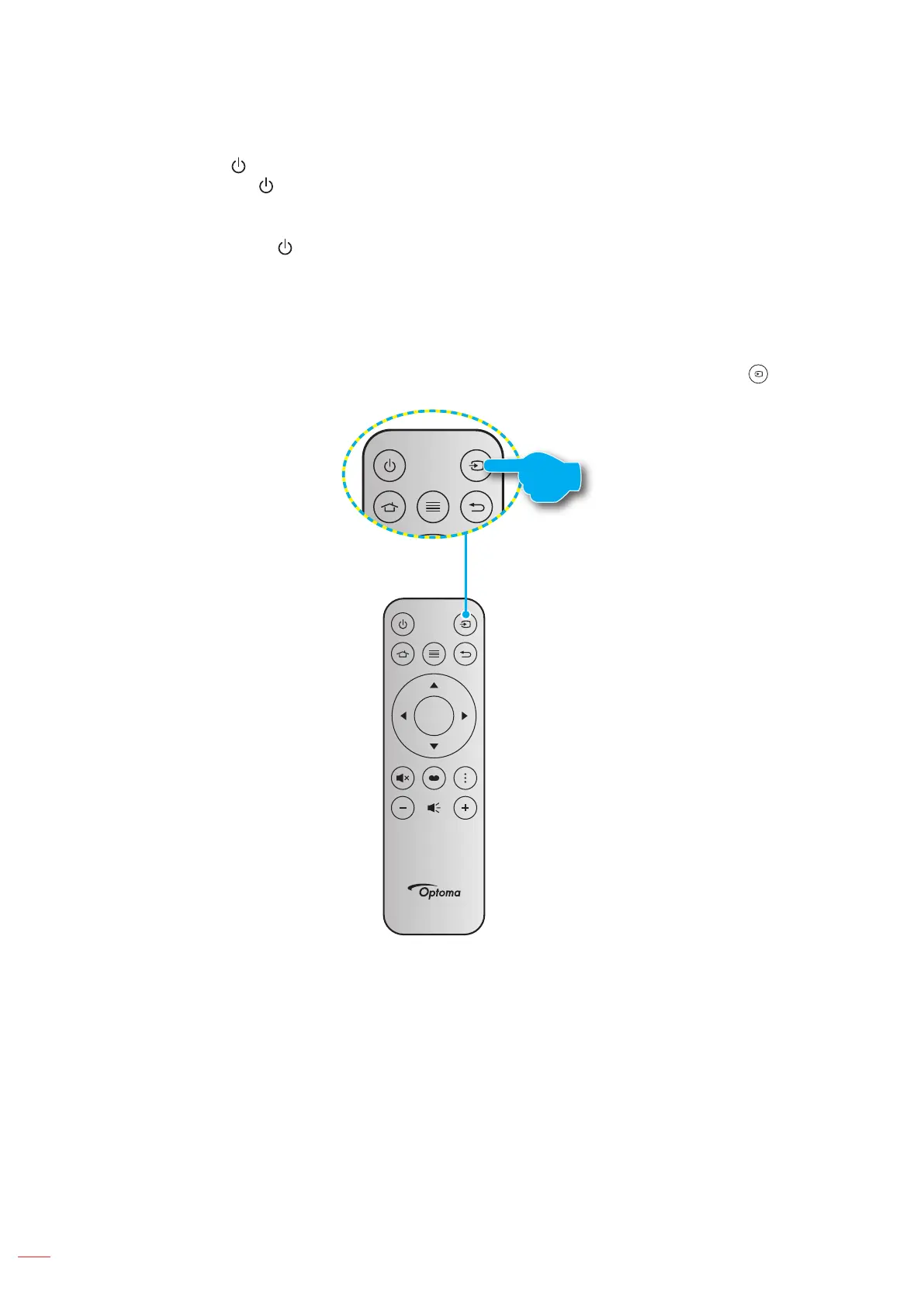
etc. The projector will automatically detect the source. If multiple sources are connected, press the “ ” button on
the remote control to select the desired input.
Enter



 To Next Page