© Optoma
Issue 2.1 July 25, 2018
31
4.6 Communications Specification
The unit supports both TCP/IP and RS-232 serial protocols. Either port can be used to send API
commands to the unit. The built-in webpage interfaced is accessed via the Ethernet port.
Restoring the unit to the factory default state, doesn’t affect the communication settings.
4.6.1 TCP/IP Port
The unit supports DHCP and static modes. If DHCP is active, the unit will be assigned an IP address by
the network’s DHCP master. If the unit is set in the static mode, the user needs to set the IP address
manually.
Port 30000 is used.
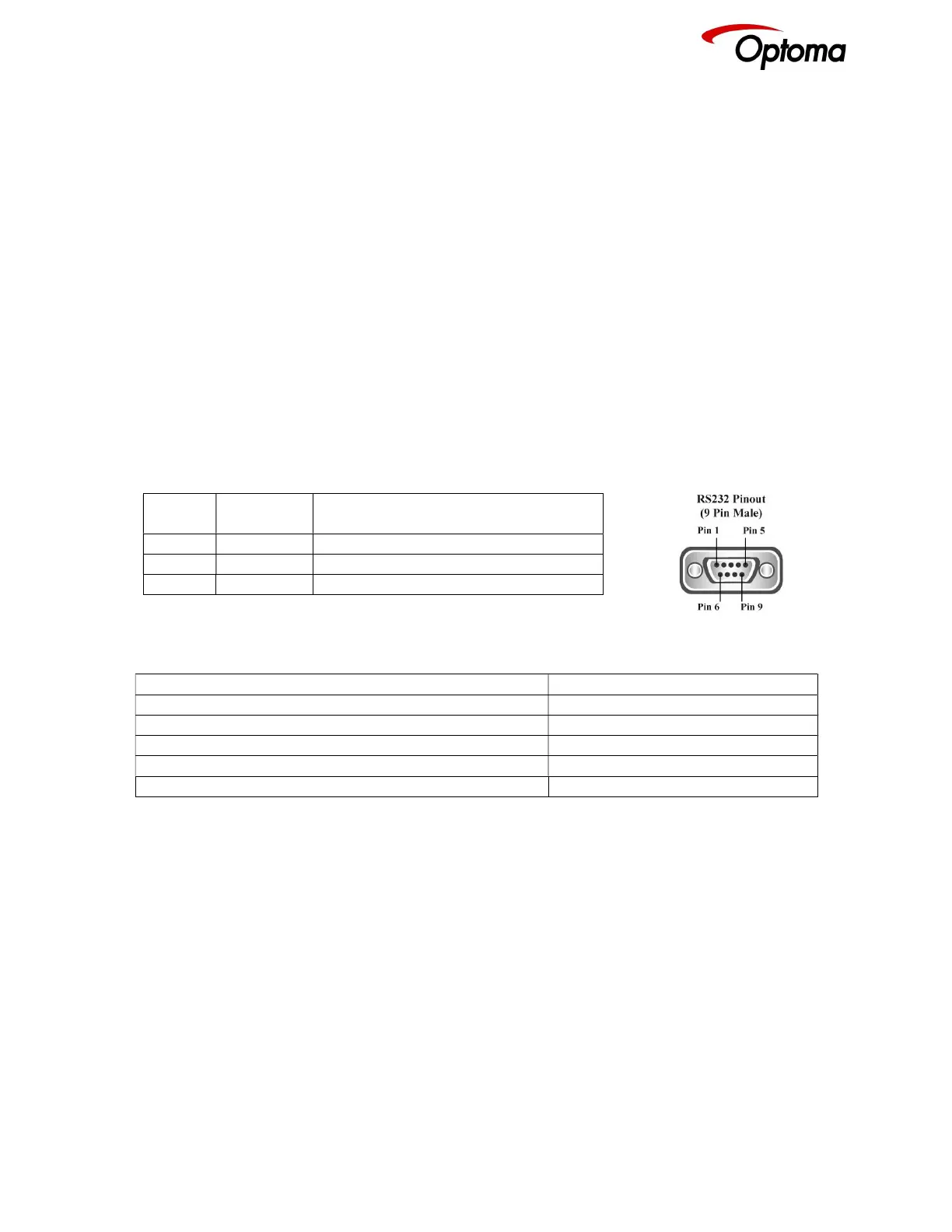
4.6.2 Serial Connector pinout and RS-232 Configuration Settings
Table 7: Serial Connector Pinout
DB-9
Pin
Signal
name
Function
2 RXD RS232 levels, Receive (from the HOST)
3 TXD RS232 levels, Transmit (to the HOST)
5 DGND Ground
Table 8: RS-232 communication settings
Parameter Value
Baud rate 115200 Bits/second
Stop Bits 1
Number of bits received/transmitted in the BYTE 8
Parity Bits No Parity
Flow Control Off



 To Next Page