© Optoma
Issue 2.1 July 25, 2018
82
7.5 LOGO & Custom Test Patterns
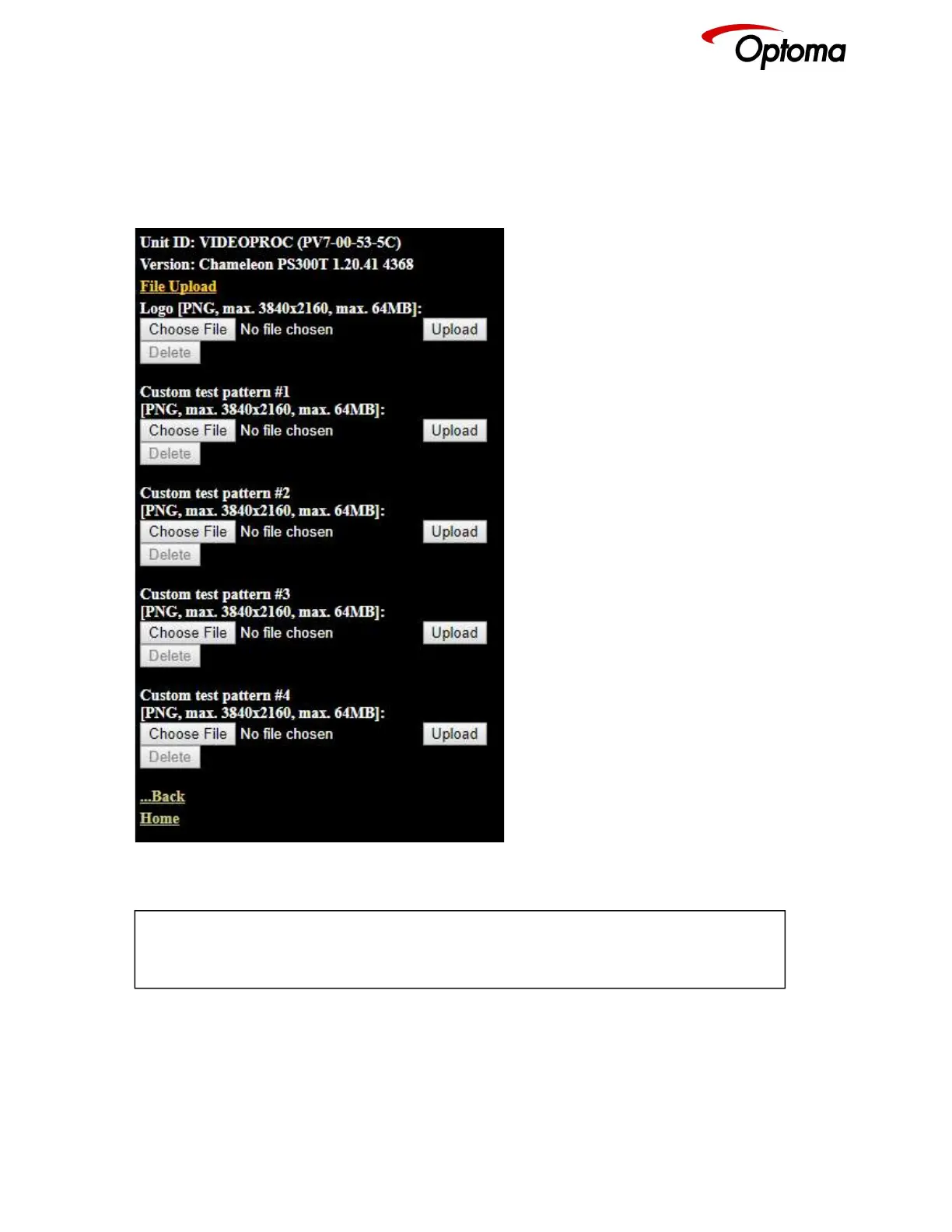
Any image in PNG format can be selected from your PC and loaded to the unit to be used as a LOGO.
This name can be changed and stored on the PC in any location. The image size limitation is 64MB.
From the same menu, you can select up-to four images and download them as custom test patterns.
These images will appear as Custom1,2,3 or 4 in the Test pattern menu
If there is not a valid PNG image stored in LOGO memory, then the output image will be black.
Resetting the unit to the original default factory settings, will wipe out the LOGO image.



 To Next Page