© Optoma
Issue 2.1 July 25, 2018
83
8 Firmware Update
The latest firmware is found on our website
There are two methods of updating your unit’s firmware. First, through a USB port with a USB
memory drive and second, through TCP/IP connection with the built-in web server.
8.1 USB update
From the firmware dropdown menu, select the file with the latest firmware built number.
Download the .bin file and rename it “PV7update.bin”
Copy the file to the root directory of a USB memory stick
Power Off the unit and plug the USB drive into one of the USB ports
Power On the unit and wait few seconds for the message to remove the USB drive
After the USB is removed, the unit will continue the boot-up process.
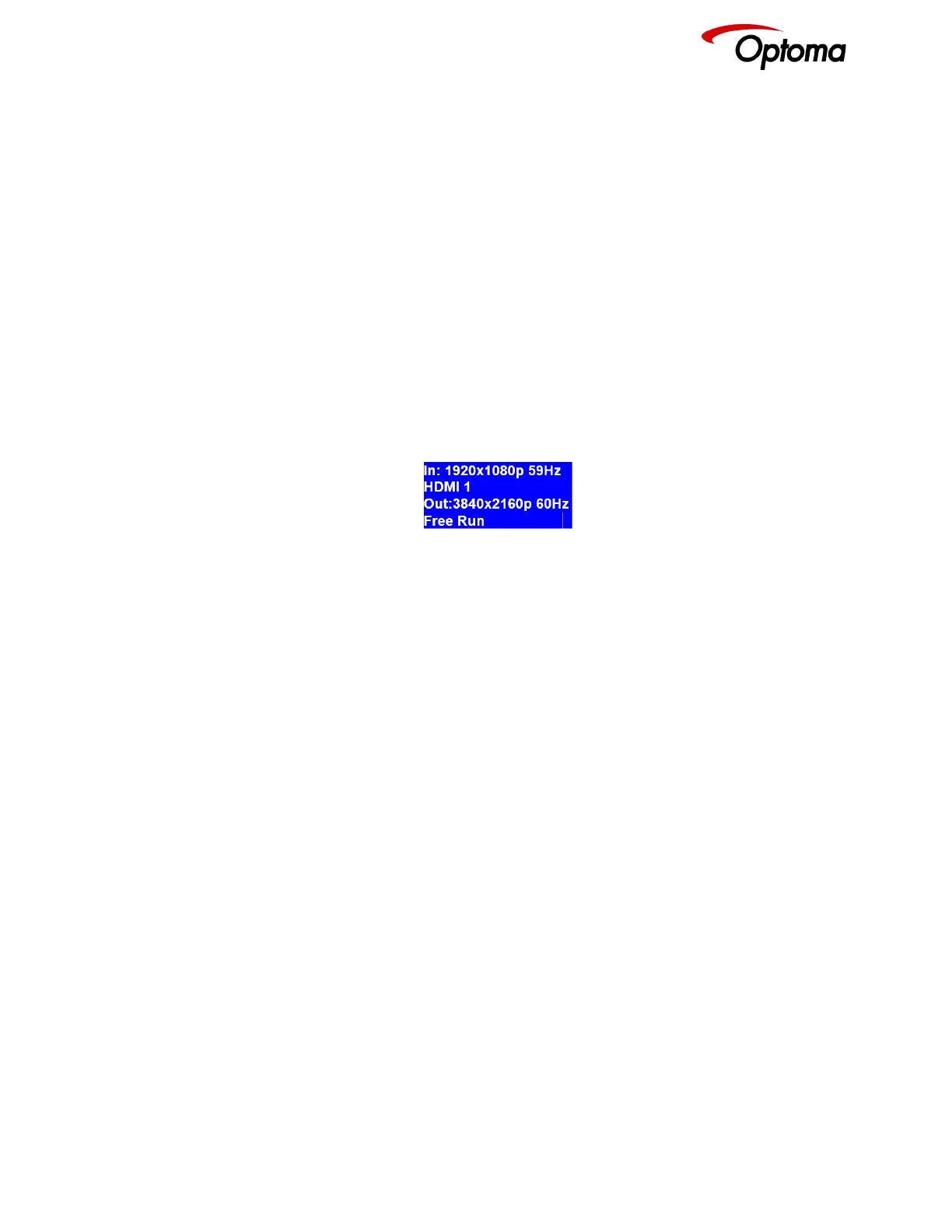
When the boot up processes is completed, and the status menu appears on the front panel
screen. The Status menu indicates the detected source, Output resolution and I/O lock state.
8.2 Web Browser update
To update via the web server, please follow the steps outlined previously in the web browser control
chapter.



 To Next Page