© Optoma
Issue 2.1 July 25, 2018
81
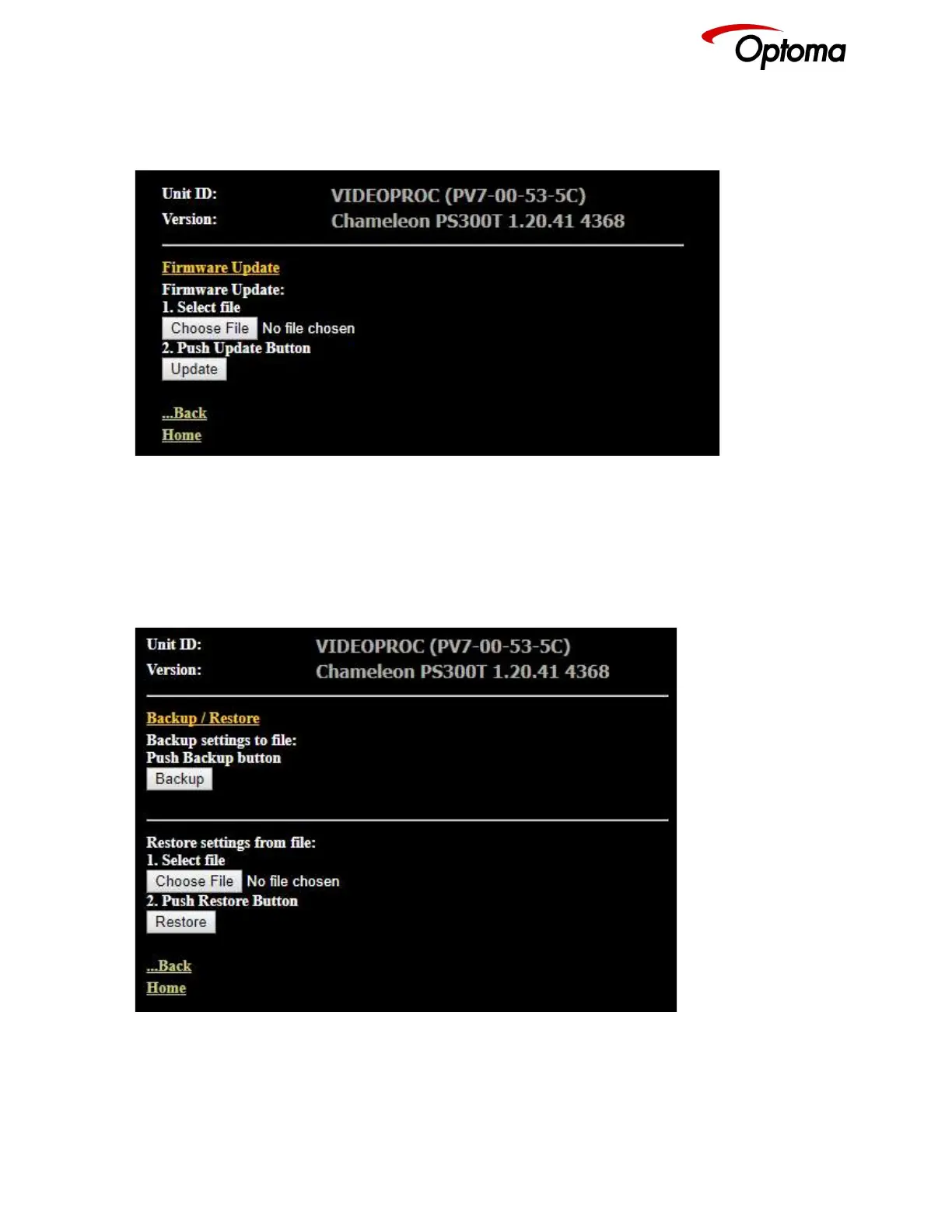
7.3 Software Update
A page for file uploads is provided. Browse a firmware file (extension .bin) and select it. The path and
name will be shown in the field left to the Browse button. Now click the update button.
7.4 Backup and restore
The unit set-ups can be backed up to a PC and restored later through the web browser. When pressing
the Backup button a l file download dialog box appears. The default name of a backup is nvram.bin.
This name can be changed and stored on the PC in any location.
To restore the unit’s settings, browse and select the file on your PC. The selected file will be shown in
the field left to the Browse button. Now press the restore button.



 To Next Page