06/2011 B400Page 106
Operation
power wheelchair. Therefore, make sure that the brake is
engaged after parking the power wheelchair.
If the control unit fails or there is not enough battery power,
it is possible to push the power wheelchair by disengaging
the brake by means of the mechanical release mechanism.
The brake release machanism is located on the left-hand
and right-hand sides on the motors.
UnlockingtheBrake
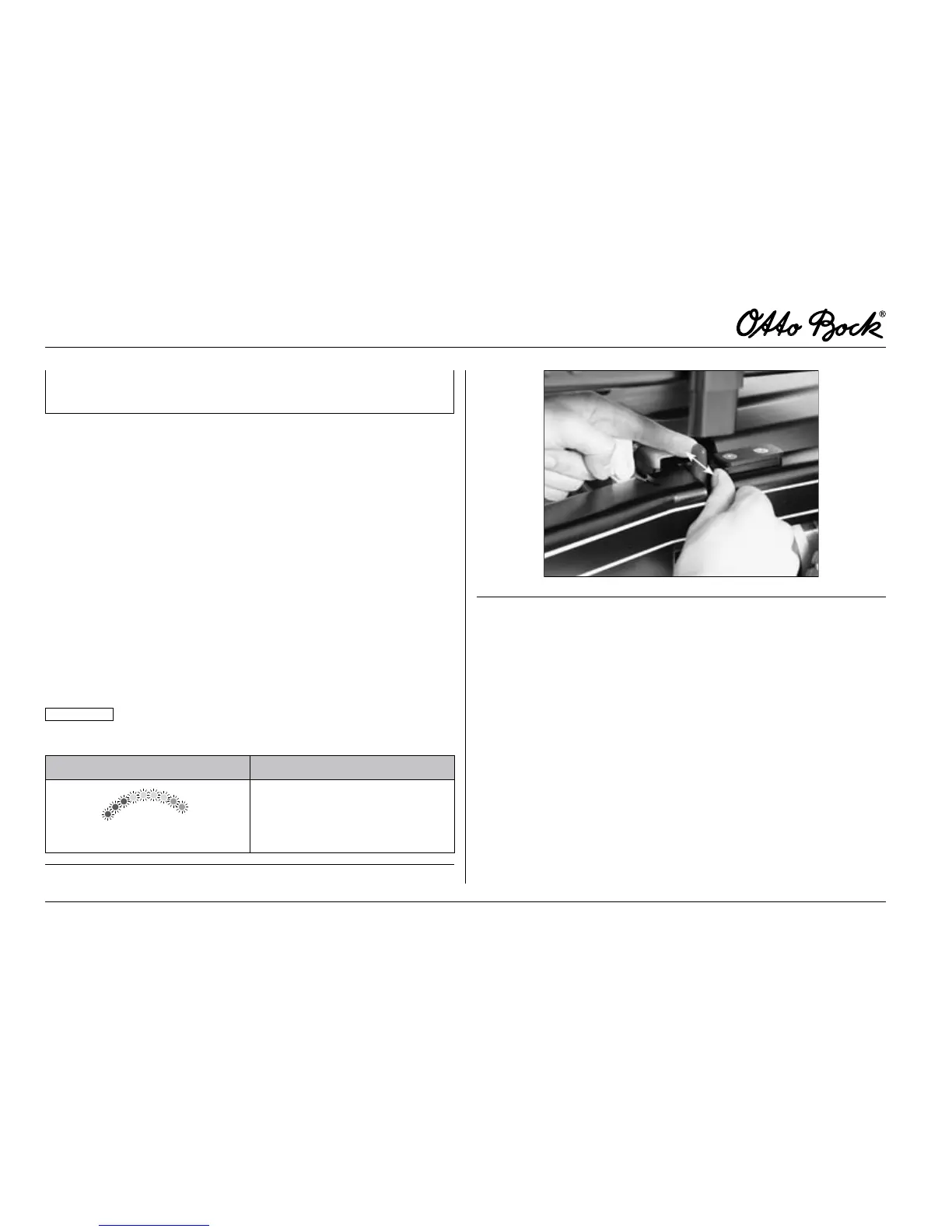
For activation of the push mode, pull out both red brake re-
lease levers located under the seat on the left-hand and
right-hand sides (g. 15). In this position, the control unit will
recognise that the brake has been released and automati-
cally deactivate the driving function. The unlocked brake will
be indicated by the ashing “Battery Capacity” LED.
INFORMATION
Once the brake unlocking lever has been re-
leased, all braking systems are deactivated.
Indication Information
Flashing light
Unlocked brake for push
mode
Table4 Breakreleaseindicatoronthecontrolpanel
Fig.15 Brakerelease
LockingtheBrake
To lock the brake, push the red brake release lever inwards.
To reactivate the driving function, you must switch off the
wheelchair controls and then switch them on again.















 To Next Page