06/2011
B400
Page 113
Operation
An option for the power wheelchair is to have it equipped
with a set of lights. The set of lights consists of:
n two rear lamps with integrated direction indicators
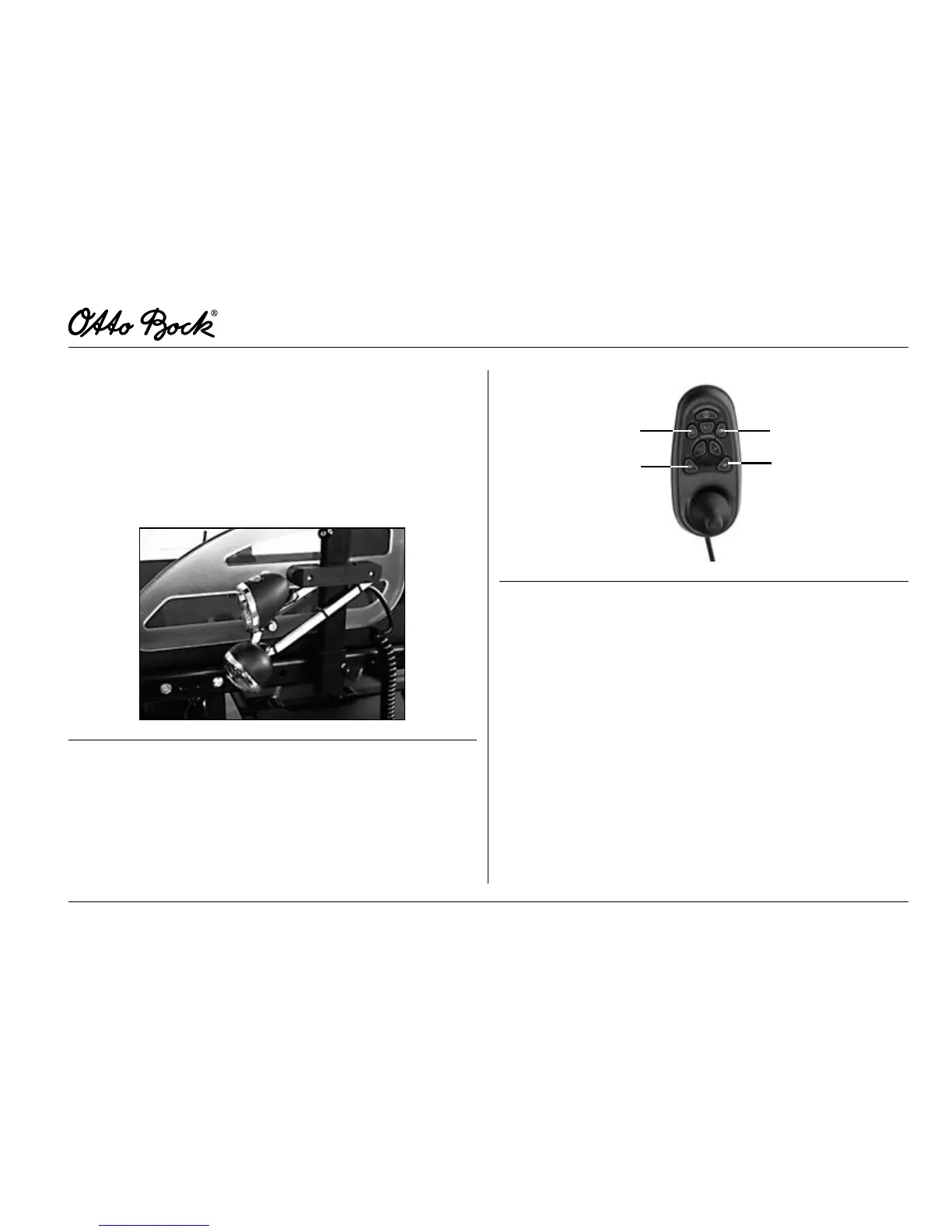
n two front lights consisting of halogen lamp and direction
indicator (g. 19)
n control panel and light module
Fig.19 Frontlightsonthesidepanel
The front lights must be mounted on the side panel. The rear
lights are attached to the wheelchair frame.
A separate control panel is included for control of lighting
(see g. 20). Press the lighting control button to switch on
the control panel.
2
3
1
3
Fig.20 Separatecontrolpanel
1 Lighting control button
2 Warning asher
3 Direction indicator right/left
LightingControlButton
The front and rear lights are activated and deactivated by
pressing the light key.
WarningFlasher
Pressing the warning flasher key activates all four direction
indicators.















 To Next Page