© 2024 PacBio. All rights reserved. For research use only. Not for use in diagnostic procedures.
PN 103-140-400 REV05 JUN2024
Check the status of the cluster generator instrument.
• If the instrument is off, refer to the section above titled “Before you begin” for instructions on how to
power on the instrument.
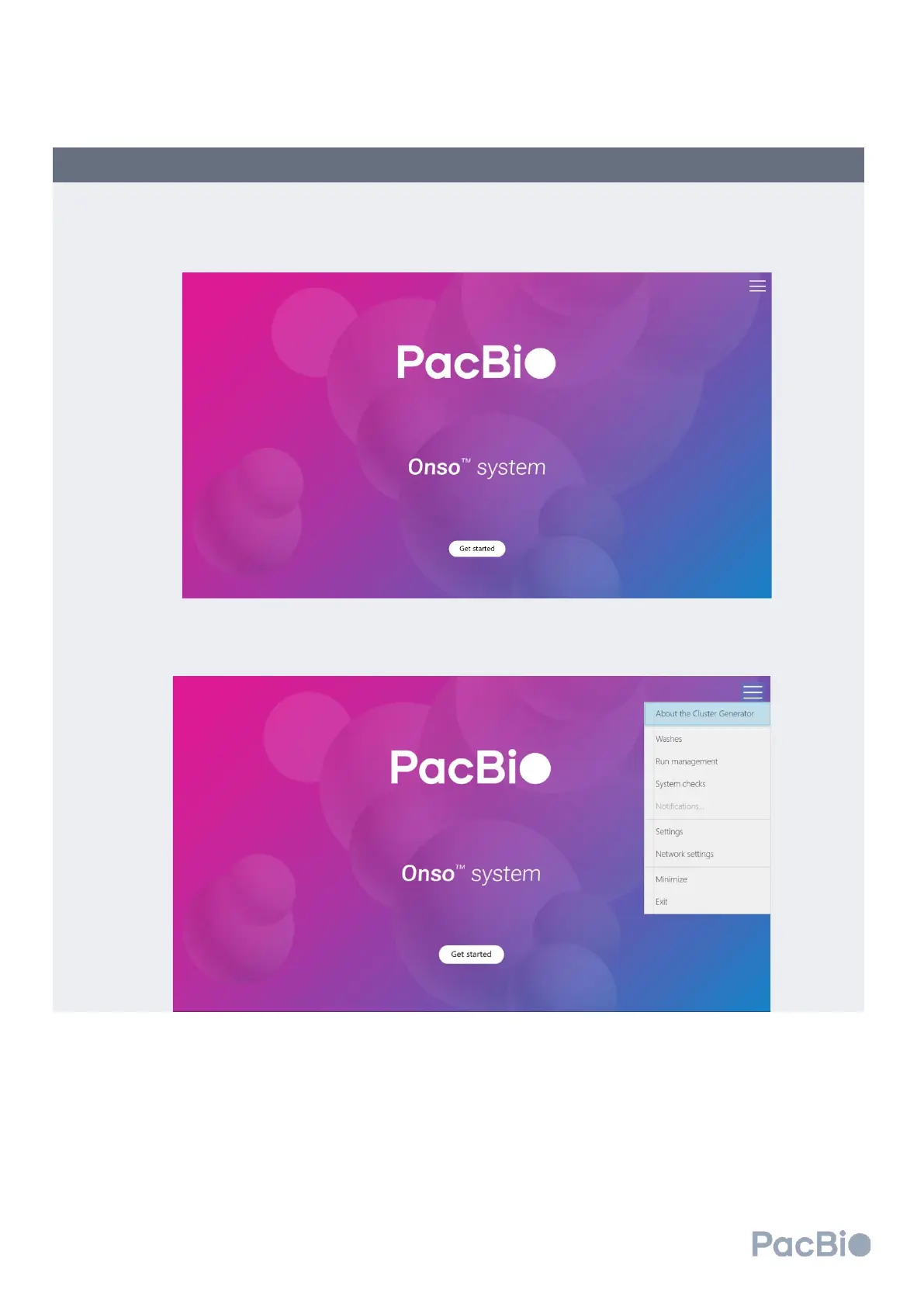
• If the instrument is on, and at the home screen, select “Get started” to begin.
• If selecting “Get started” on the home screen does not advance, click on the hamburger menu at the top
right and select “Washes”. Refer to the section titled “Instrument washes” on how to perform a clustering
wash and then proceed to step 5.2 below.



 To Next Page