© 2024 PacBio. All rights reserved. For research use only. Not for use in diagnostic procedures.
PN 103-140-400 REV05 JUN2024
Check the status of the sequencing instrument.
• If the instrument and/or the PC is off, refer to the section above titled “Before you begin” for instructions on
how to power on the instrument and PC.
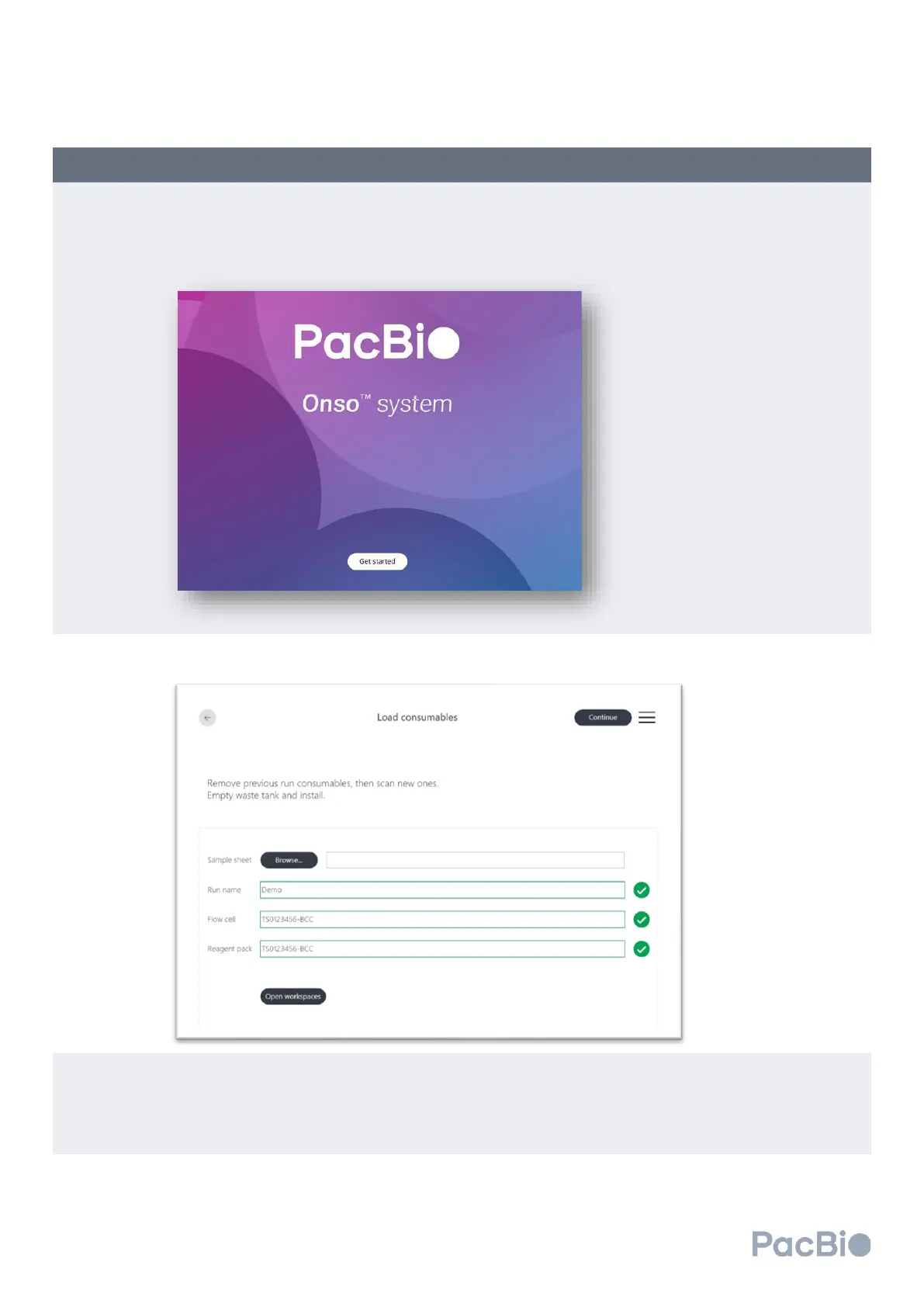
• If the instrument is on, and at the home screen, select “Get Started” to begin.
In the
Load Consumables
screen, select “Open workspaces”. The instrument will unlock the doors.
Open the reagent door and workspace door.
Unload previous run consumables:
• If a previous flow cell is found loaded on the instrument, gently pinch the sides of the MICA and lift up and
out of the MICA instrument slots. Gently remove the flow cell from the instrument stage being careful to
slide the flow cell off the metal guide pins. Discard the flow cell and attached MICA in the appropriate
waste stream.



 To Next Page