© 2024 PacBio. All rights reserved. For research use only. Not for use in diagnostic procedures.
PN 103-140-400 REV05 JUN2024
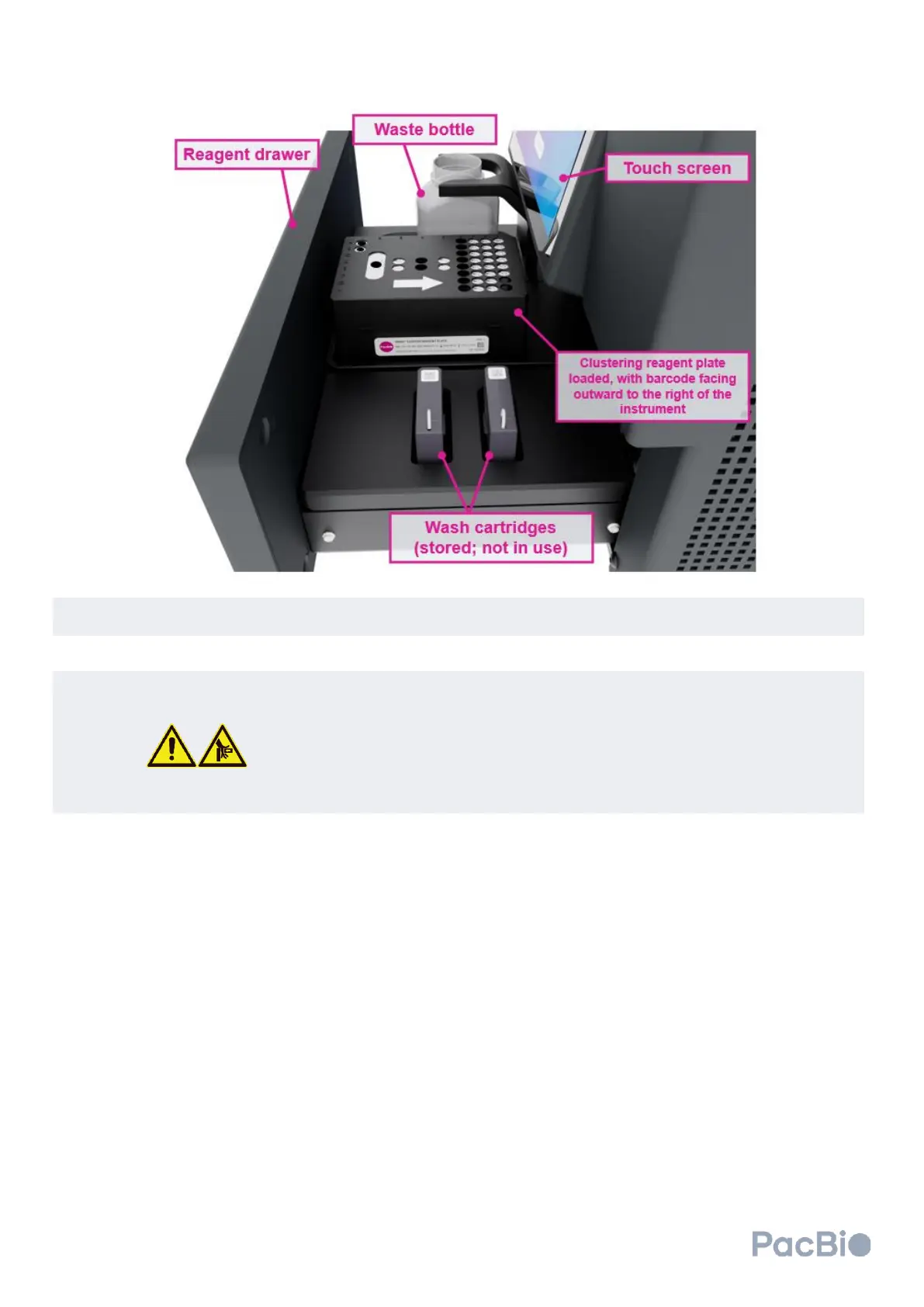
Remove the waste container from the instrument and empty the contents into the appropriate waste stream.
Ensure the emptied bottle is placed back into the correct position in the instrument.
Using a barcode scanner, scan in the flow cell and clustering reagent plate QR codes into the respective
fields on the
Load consumables
software screen.
Close the cluster generator workspace door and click “Close workspaces” on the touchscreen. Once the
cluster generator drawer is closed, select “Continue” to advance.
DO NOT push or manually force instrument drawer to close.
Do not place your hands or fingers in or between the reagent drawer and cluster
generator once the automated opening or closure of the drawer has been started.
Verify that the consumables entered are correct and select “Continue” to advance. If changes need to be
made, click the back arrow at the top left to make the necessary changes.



 To Next Page