© 2024 PacBio. All rights reserved. For research use only. Not for use in diagnostic procedures.
PN 103-140-400 REV05 JUN2024
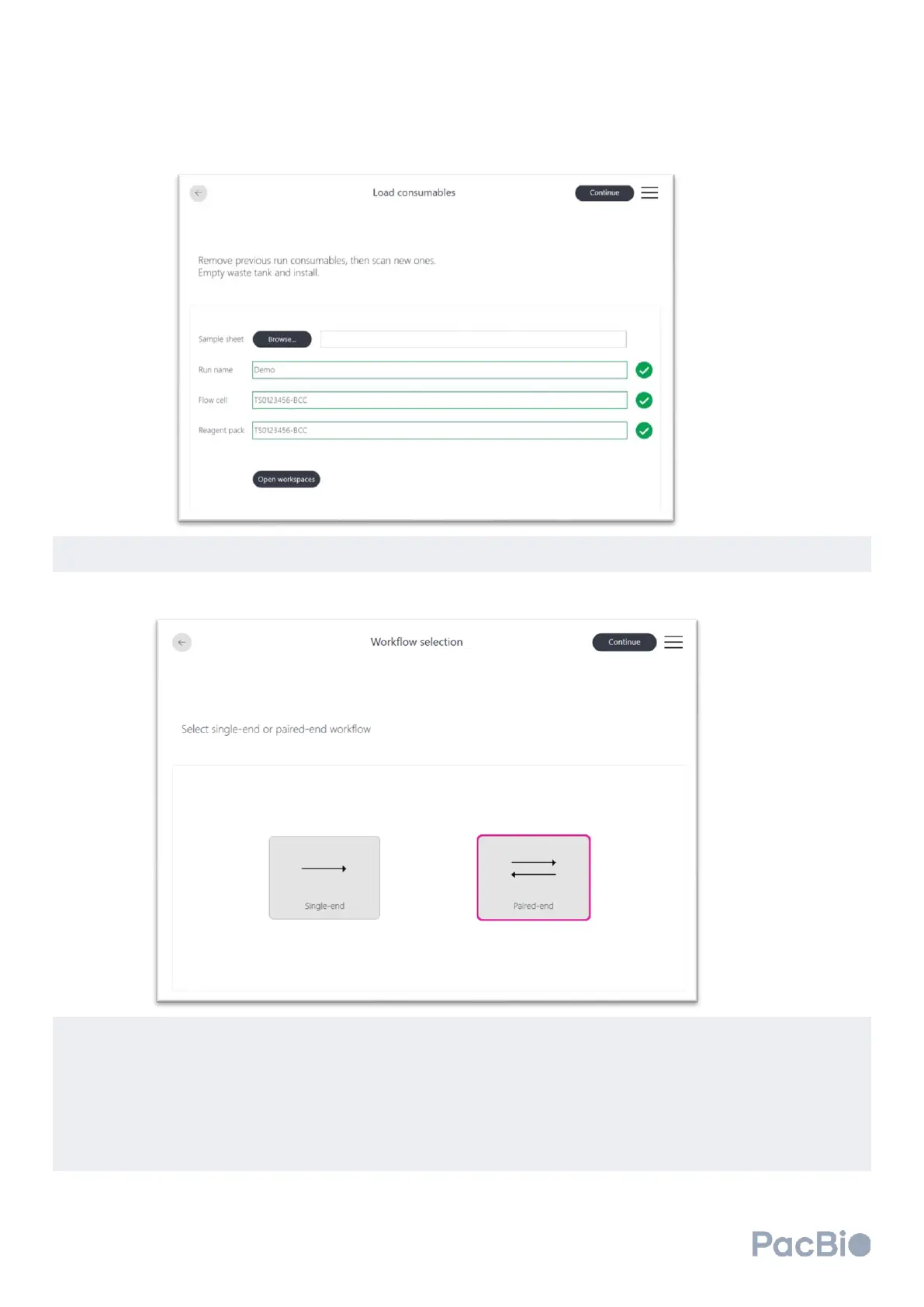
Select the appropriate run configuration (single-end or paired-end) on the software screen. Select “Continue”
to proceed onto the next screen.
On the
Run parameters
software screen, users can either complete fields manually, or use the prepared and
selected sample sheet for the sequencing run. For the fields below, if a discrepancy is found between the
sample sheet and user input directly on the software screen, the software will run as indicated on the software
screen.
• “Insert read 1” & “Insert read 2” -- users must add 2 cycles to the number of desired insert cycles. (e.g. for
100 base pair insert read 1, enter “102” in the “Insert read 1” field.
• “Index 1” & “Index 2” – input the number of index reads up to 14 base pairs each.



 To Next Page