© 2024 PacBio. All rights reserved. For research use only. Not for use in diagnostic procedures.
PN 103-140-400 REV05 JUN2024
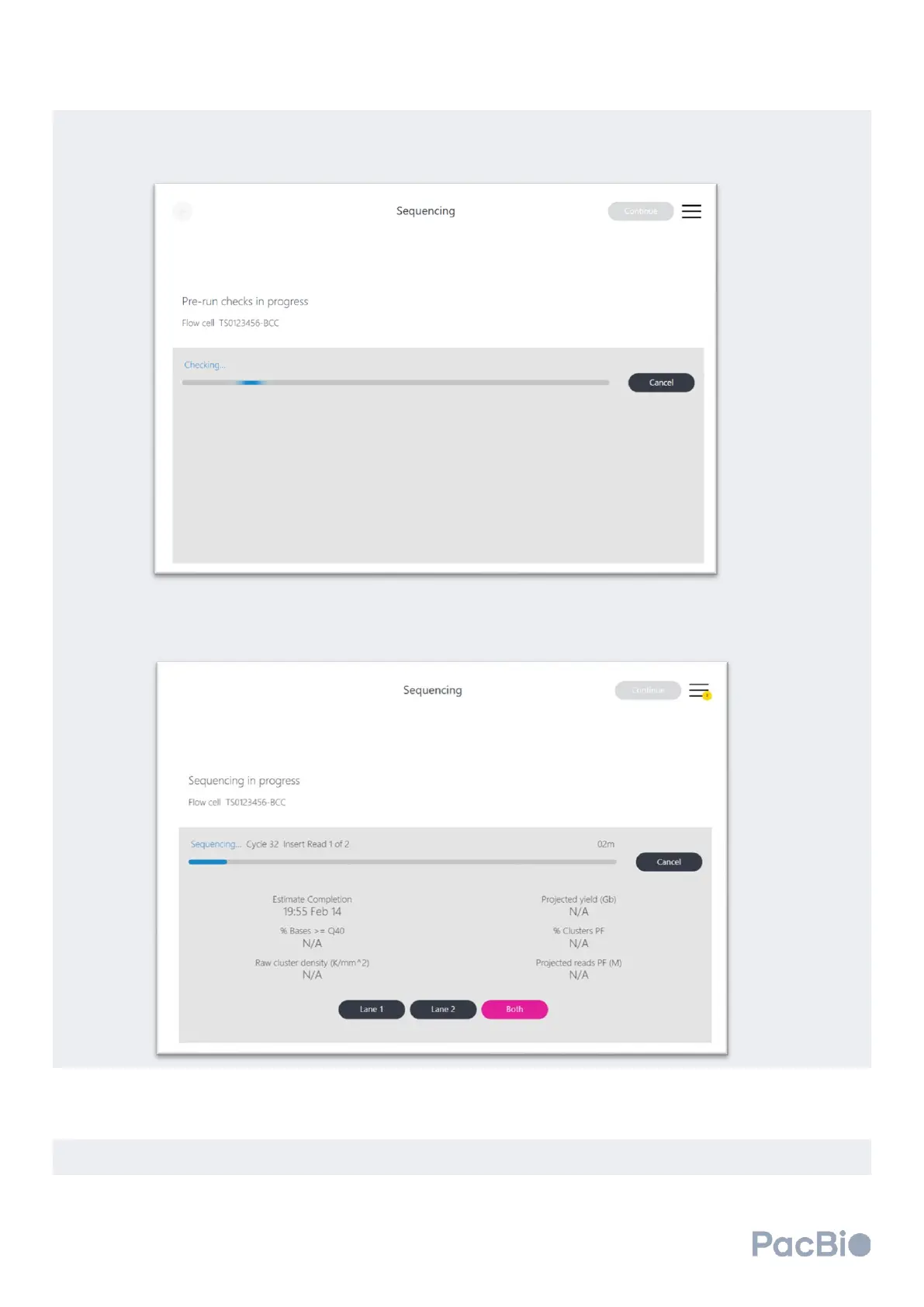
The sequencer will then perform a series of pre-run checks. The pre-run checks are designed to check disk
space availability, preload engagement, and fluidic path with the flow cell and MICA connected. If any of the
steps fail, refer to the “Troubleshooting” section of the guide.
Once the pre-run check has been successfully completed, the sequencing run will automatically begin. Run
progress can be monitored on the sequencing screen.
A sequencing run can be terminated by selecting the “Cancel” button on the screen. The run will stop and end
after the completion of the current step. If a run is cancelled, a maintenance wash must be performed to
prepare the instrument for the next run. Additional instructions can be found in the “Instrument washes”
section.
When all sequencing cycles have completed, the software will automatically begin a post-run wash to prepare
the instrument for the next run. Once completed, click “Continue” in the top corner of the user interface.



 To Next Page