© 2024 PacBio. All rights reserved. For research use only. Not for use in diagnostic procedures.
PN 103-140-400 REV05 JUN2024
When the bleach wash portion of the two-part wash completes, select “Continue” to advance.
Select “Open workspaces” to unlock the reagent door.
Remove the waste container from the instrument and empty the contents into the appropriate waste stream.
Ensure the emptied bottle is placed back into the correct position in the instrument.
Remove the instrument wash pack from the interior compartment of the reagent door. Discard the remaining
bleach solution from the wash pack in the appropriate waste stream.
Rinse the sequencer instrument wash pack with DI water prior to use. Dry the instrument wash pack by
inverting and tapping gently upside down and dry the exterior with a lint-free wipe.
Add approximately 1 L of instrument wash reagent to the instrument wash pack up to the fill lines.
Load the instrument wash pack in the interior compartment of the reagent door. Close the reagent door and
select “Continue” to advance.
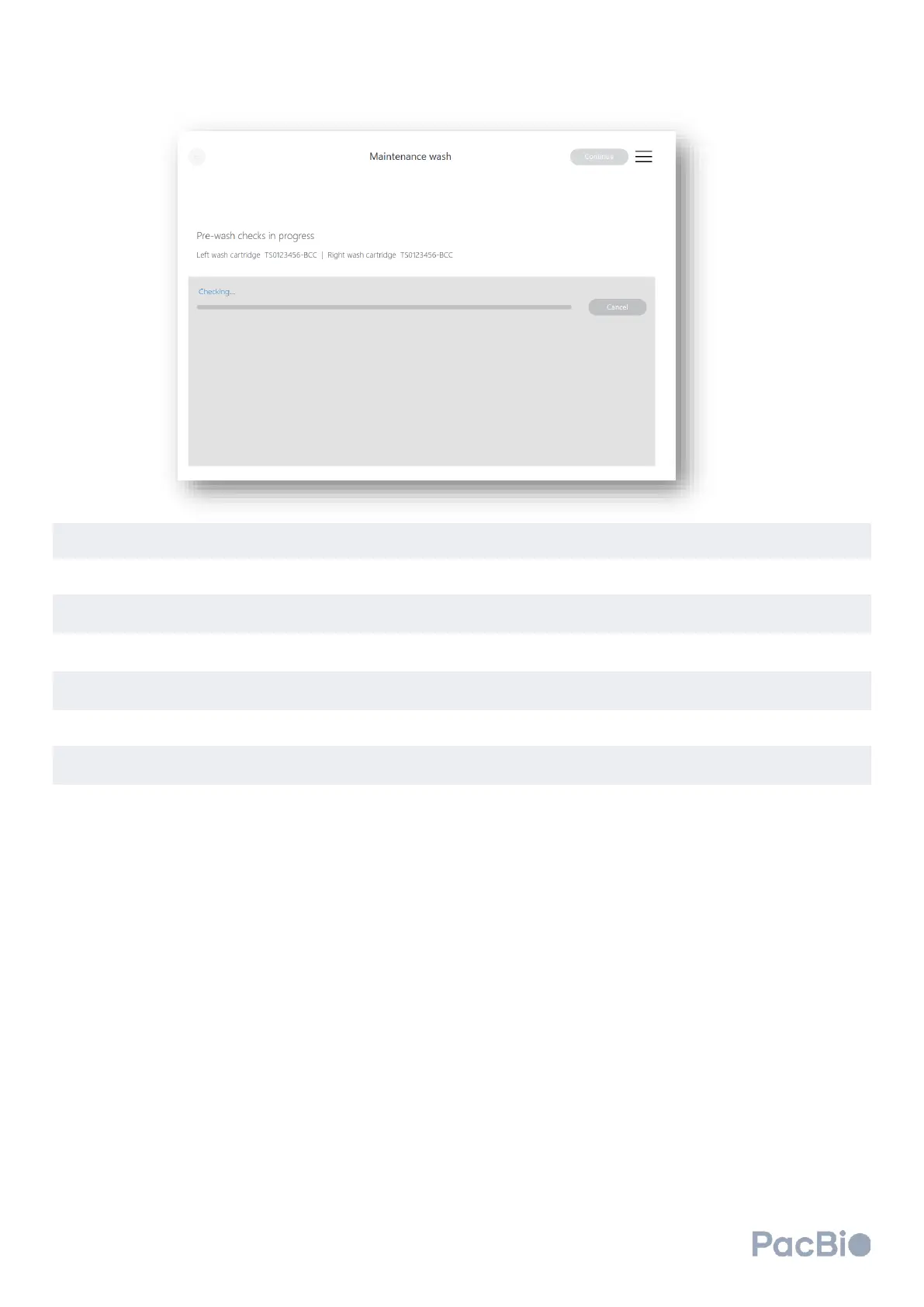
The instrument will proceed to perform pre-wash checks. If any steps fail, refer to the Troubleshooting section
of the guide. Once pre-wash checks complete successfully, the wash will automatically begin and will last
approximately 20 minutes for standby wash, or 2 hours for maintenance wash.
Once the wash is complete, consumables can remain on the instrument until next use. It is recommended the
wash cartridges stay installed onto the system until next use.



 To Next Page