SECTION 4 OPERATION
61
4.6.3.1.1 PROGRAMMABLE OUTPUT IMPEDANCE SETUP MENU (OPTION: Prog-Zo)
The Programmable Output Impedance (Prog.Zo) option is used to compensate for dynamic regulation
losses such as line resistance or output transformer impedance, or to control the Output Impedance of the
power source. Press EDIT while the display cursor is located in the PROG. Zo field in the UPC SETUP
menu to access the PROG. Zo menu.
PROG. Zo SETUP: PRESS EXECUTE TO SAVE.
PROG. Zo = OFF: PROG. Zo OHMS = 0.000
MAX=2.516 MIN=-2.484
(PRESS EDIT TO CALIBRATE, THEN EXECUTE)
PROG.Zo =: ON or OFF. Pressing the +/- key while the cursor is in this field will enable/disable
the Prog. Zo function. When disabled, no output compensation occurs and the
inherent output impedance of the power source and wiring will remain
uncompensated. When enabled, the UPC will attempt to provide an output
impedance at the load equal to the value set in the PROG. Zo OHMS field.
Zo OHMS =: MAX and MIN impedance limits are shown on the display as this range dynamically
changes based upon active operating parameters such as Form, Coupling and
XFMR ratio. Enter a value to synthesize a non-zero output impedance.
Press EXECUTE to exit the screen.
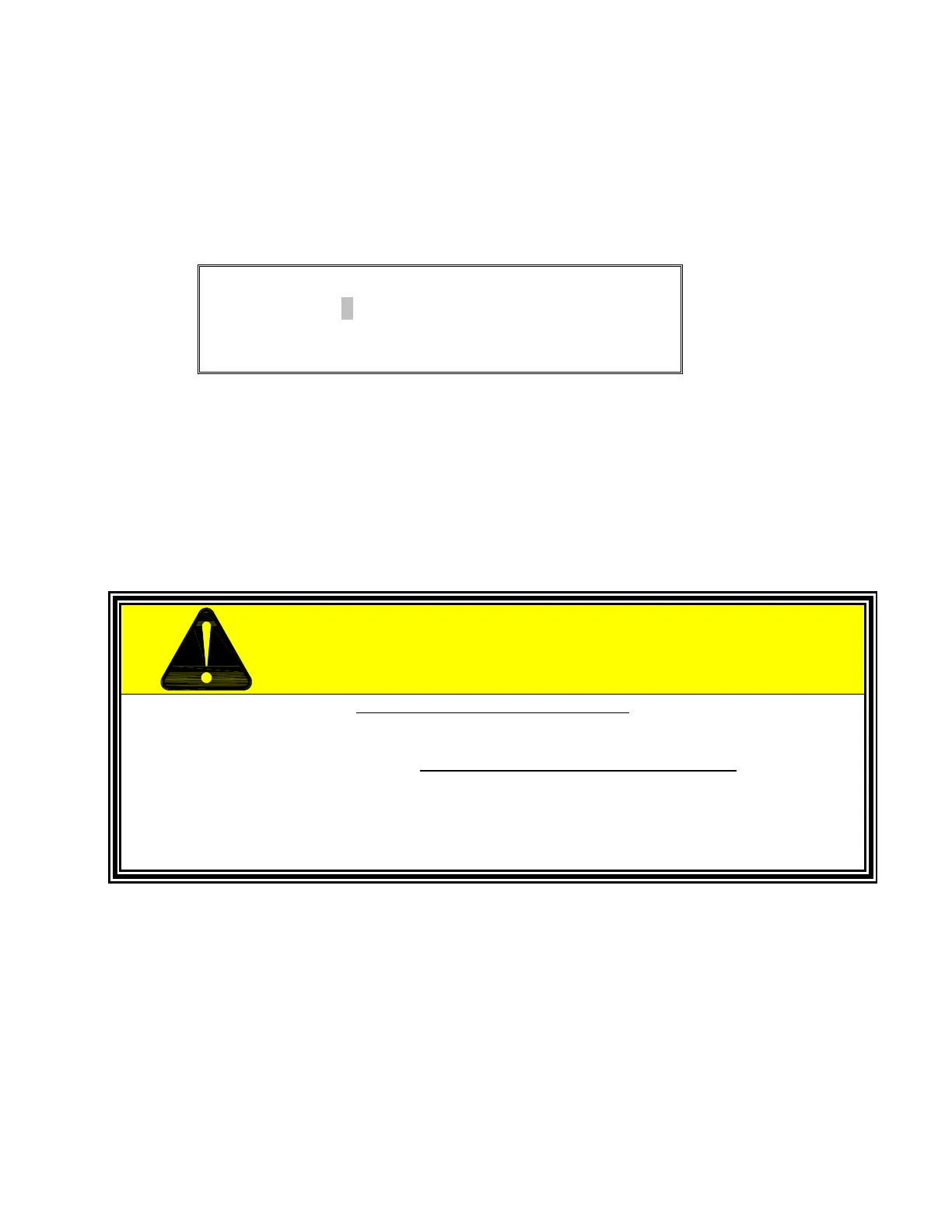
USE THIS FUNCTION WITH CARE
CARELESS OR IMPROPER USE OF THE PROGRAMMABLE OUTPUT IMPEDANCE
FUNCTION MAY RESULT IN OVER-VOLTAGE OR UNDER-VOLTAGE BEING
PRESENTED TO THE LOAD, AND MAY CAUSE DAMAGE TO THE LOAD.
REACTIVE LOADS MAY CAUSE THE OUTPUT POWER TO BECOME
UNSTABLE (OSCILLATE) AND MAY CAUSE DAMAGE TO THE LOAD
IF EXCESSIVE NEGATIVE IMPEDANCE IS USED!



 To Next Page