Chapter 5 Safety equipment
OIL sub-sub-menu
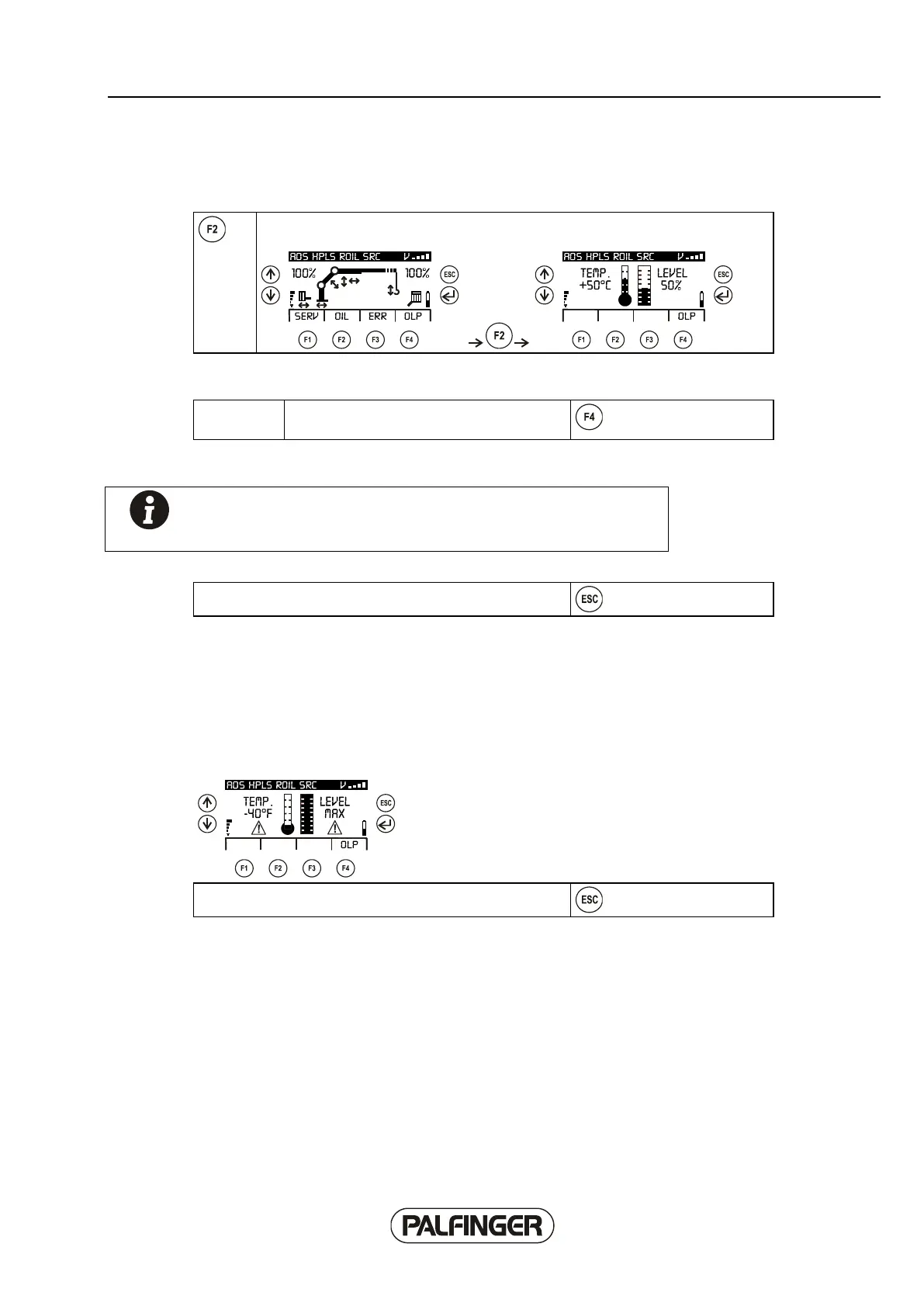
The INFO menu can be selected using the F2 OIL function of the 'Oil status' sub-
menu.
The current oil temperature and the current filling level of the tank can be displayed using the 'Oil
status' menu.
OLP function key, currently available using
F4.
Note! The information is generally only displayed if the 'Oil sensor'
option has been activated in the operating software of the crane, or
the crane is equipped with an oil sensor.
The menu can be exited again using the 'Escape' button.
Automatic display of OIL sub-menu
If the temperature or the filling level reaches the pre-set critical value, the display of the Paltronic 150
automatically switches from the current display to the OIL sub-menu.
The display appears depending on the critical value.
Example:
The menu can be exited again using the 'Escape' button.



 To Next Page