Tungsten™ T5 Handheld 123
CHAPTER 6 Managing Your Contacts
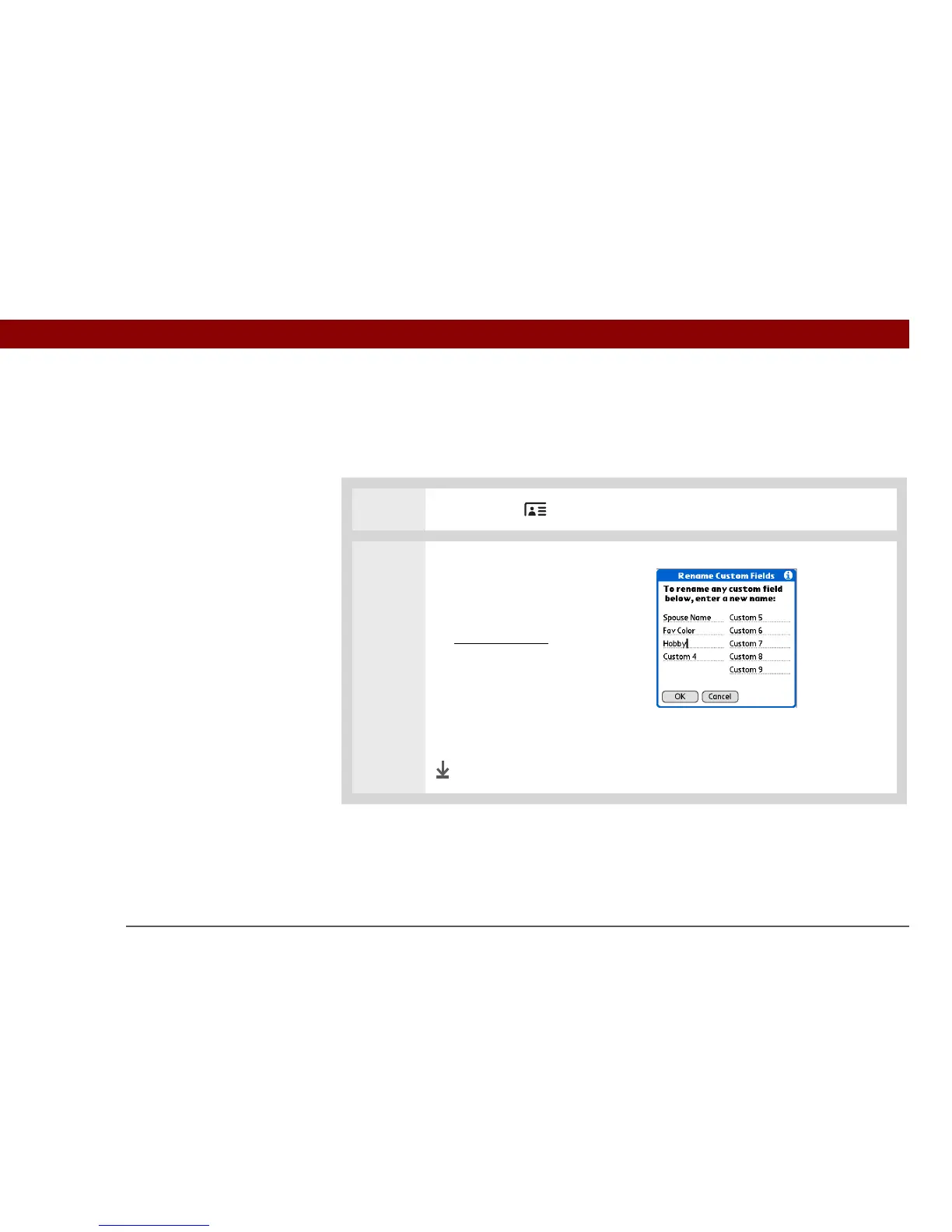
Defining custom fields
You can define the custom fields that appear at the end of the Contact Edit screen to display any
additional contact information you want, such as spouse’s or children’s names, favorite color, or
any other information.
0
1 Press Contacts .
2 Define the custom fields:
a. Select the contact you want,
and then select Edit.
b. Open the menus
.
c. Select Options, and then
select Rename Custom Fields.
d. Enter names for up to nine
custom fields, and then select
OK.
Done



 To Next Page