Tungsten™ T5 Handheld 541
CHAPTER 25 Customizing Your Handheld
Conserving battery power
You can save battery power by preventing your handheld from turning on accidentally and by
adjusting the Power Preferences settings.
Preventing your handheld from turning on by accident
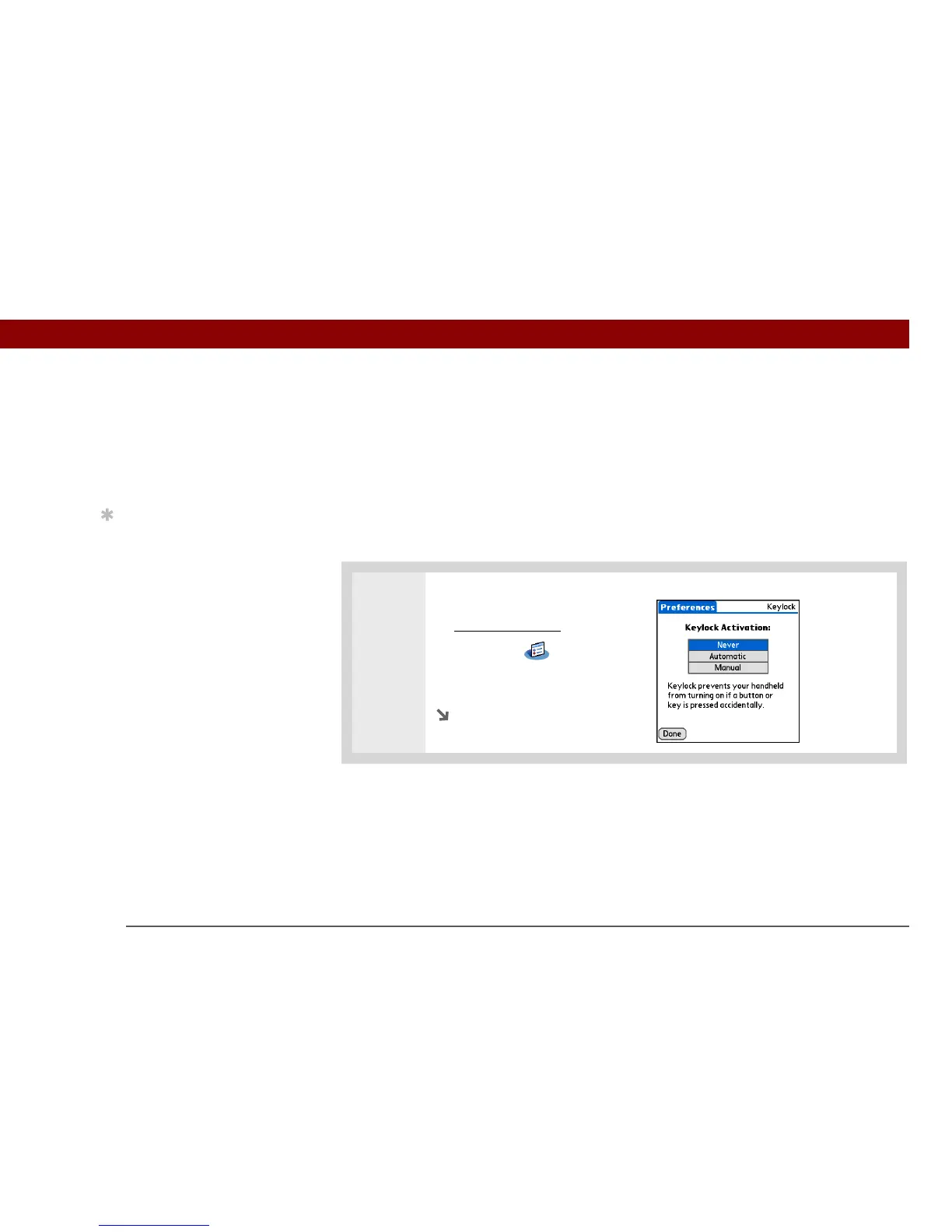
Does your handheld turn itself on accidentally in your briefcase, pocket, or purse? You can lock the
buttons on the front of your handheld to prevent this from happening and to prevent the battery
from draining.
0
1 Open Keylock Preferences:
a. Go to Applications
.
b. Select Prefs .
c. Select Keylock.
Continued
Tip
When Keylock is on, your
handheld does not
respond when you press
the application buttons.
To use your handheld
again, press the power
button, and then select
Deactivate Keylock.



 To Next Page