Tungsten™ T5 Handheld 574
CHAPTER 26 Expanding Your Handheld
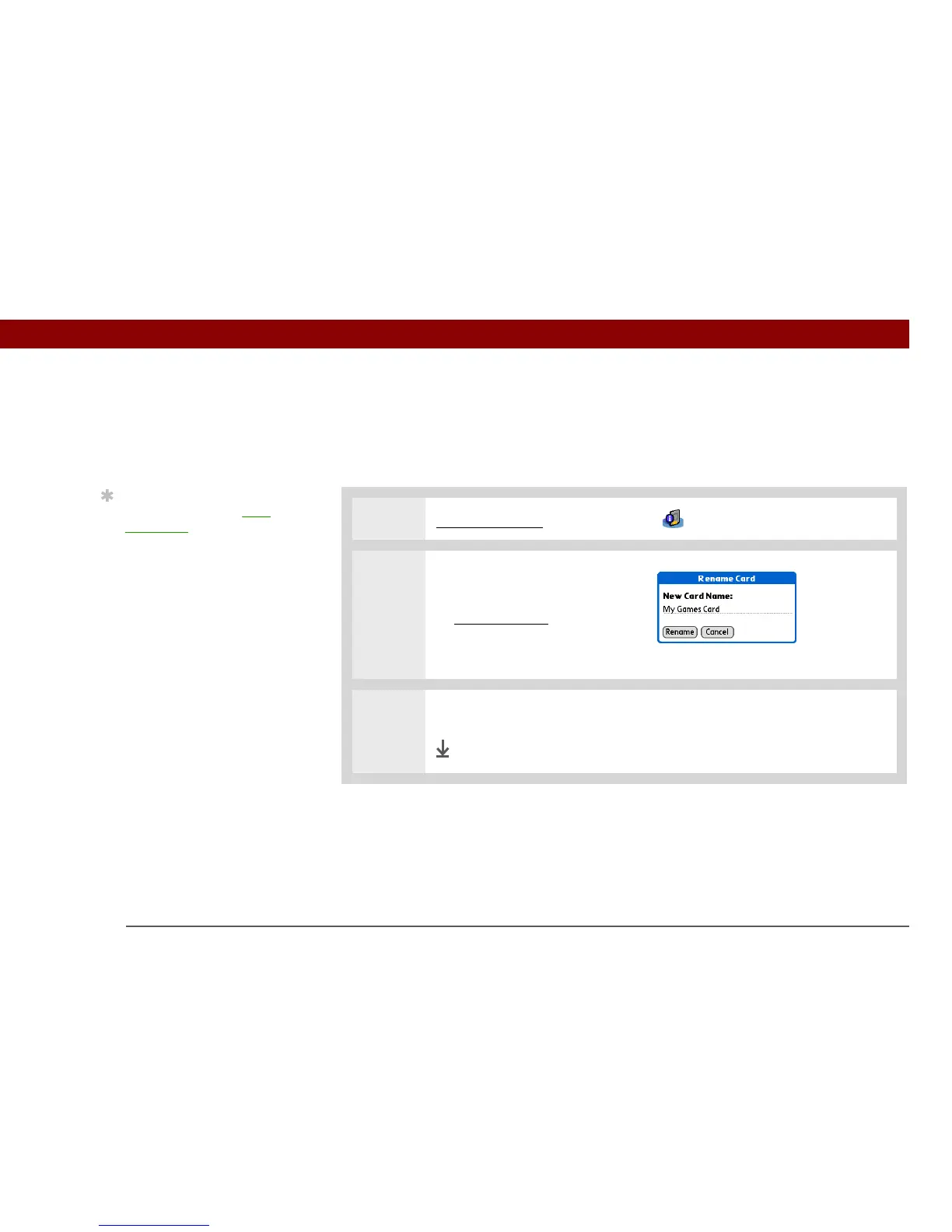
Renaming a card
The expansion card name appears in the category pick list and in other lists that let you choose
where to store your info. When you buy a new card, give it a name that helps you remember
what’s on the card. You can rename the card later if you decide to store different info on the card.
0
1 Go to Applications and select Card Info .
2 Open the Rename Card dialog
box:
a. Open the menus
.
b. Select Rename Card on the
Card menu.
3 Enter the new name for the card, and then select Rename.
Done
Tip
You can also use the Files
application to rename
your card.



 To Next Page