Tungsten™ T5 Handheld 277
CHAPTER 15 Sending and Receiving Email Messages
Upgrading an existing email account
If you have already used the VersaMail application on a different handheld and have kept your old
username, you can upgrade your existing email account for use on your new handheld.
0
1
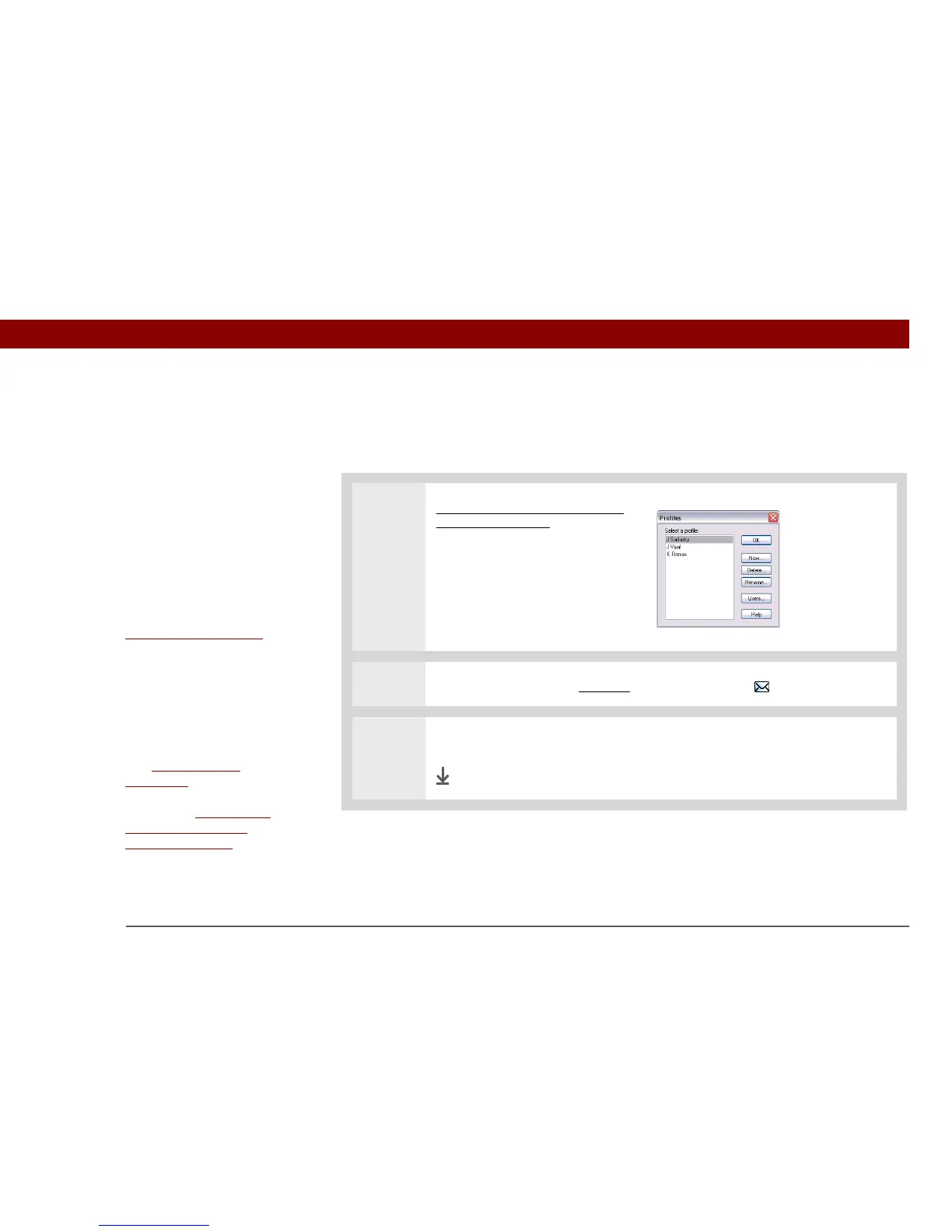
Synchronize your new handheld
with your computer. Select the
username associated with your
old handheld; this contains your
existing account information.
2
On your handheld, go to Favorites and select VersaMail .
3 Select Yes to accept the upgrade.
Done
Before You Begin
Before you can set up an
email account on your
handheld, you must do
the following:
• If you don’t already
have one, establish an
account with an Internet
service provider such as
Earthlink or a wireless
carrier such as Cingular.
You can also use a
corporate
email account.
• For wireless accounts
only: Have active service
with a wireless carrier
and a mobile phone
equipped with
Bluetooth
®
wireless
technology. You must
also set up a phone
connection on your
handheld. (Not required if
you want to access email
over your company’s
Bluetooth network.)



 To Next Page