Tungsten™ T5 Handheld 42
CHAPTER 3 Moving Around in Applications
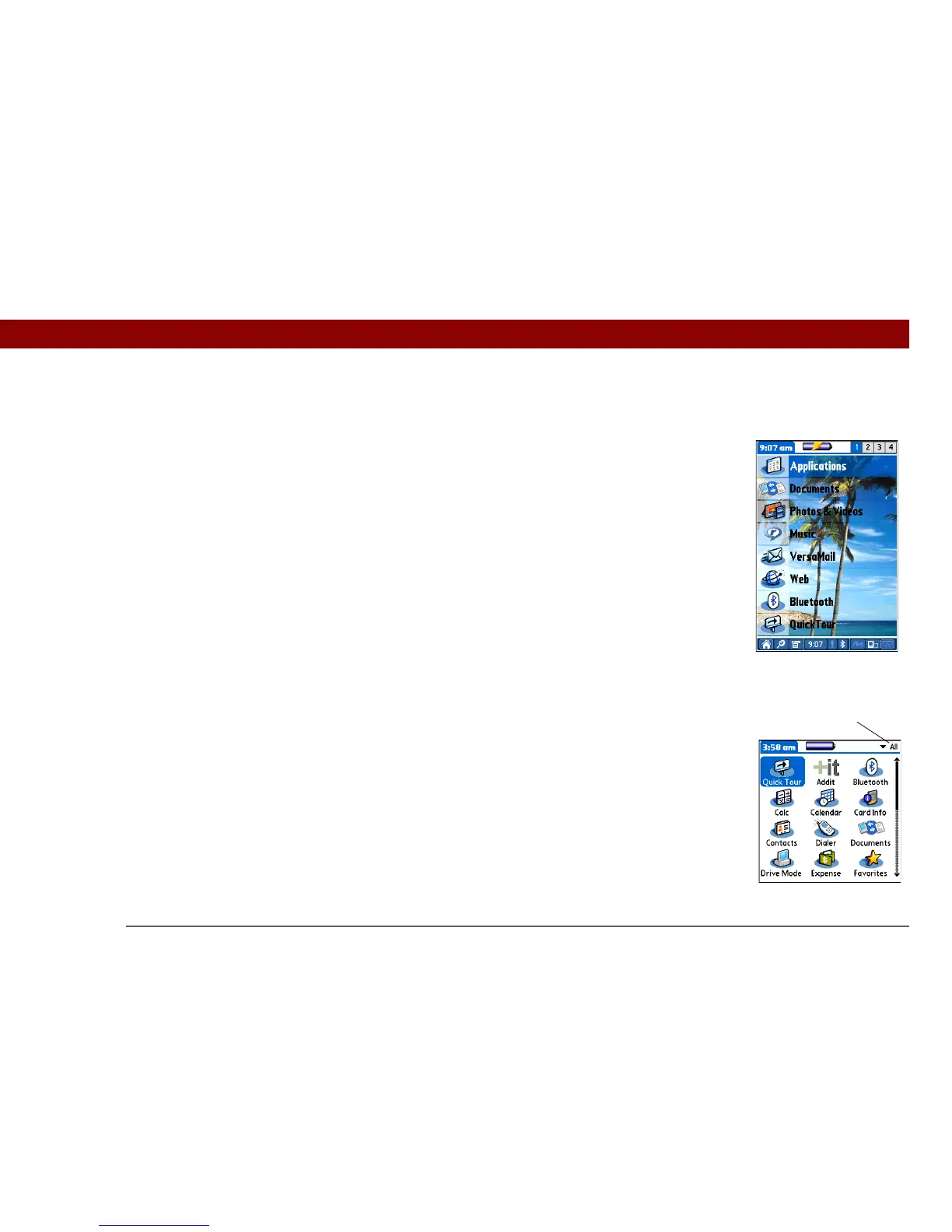
Moving around in Favorites View
Moving around in Applications View
Right or Left Displays the next or previous page of
favorites.
Up or Down Scrolls to the next favorite in the
corresponding direction.
Center Opens the selected item.
Up or Down Scrolls to the next or previous page of
applications.
Right or Left Scrolls to the next or previous application
category.
Center Inserts the selection highlight. When the
selection highlight is present:
Up, Down, Right, or Left Scrolls to the next
item in the corresponding direction.
Center Opens the selected item.
Category



 To Next Page