Tungsten™ T5 Handheld 291
CHAPTER 15 Sending and Receiving Email Messages
If you set up a synchronize-only email account, you need to configure this account
on your
computer. You can’t synchronize email on your handheld with email on your computer unless you
configure the account on your computer.
Managing email accounts
After you create an account, you can edit or delete it, or customize the account by adding ESMTP
authentication, selecting a specific service to connect to your network, and more.
Editing an email account
0
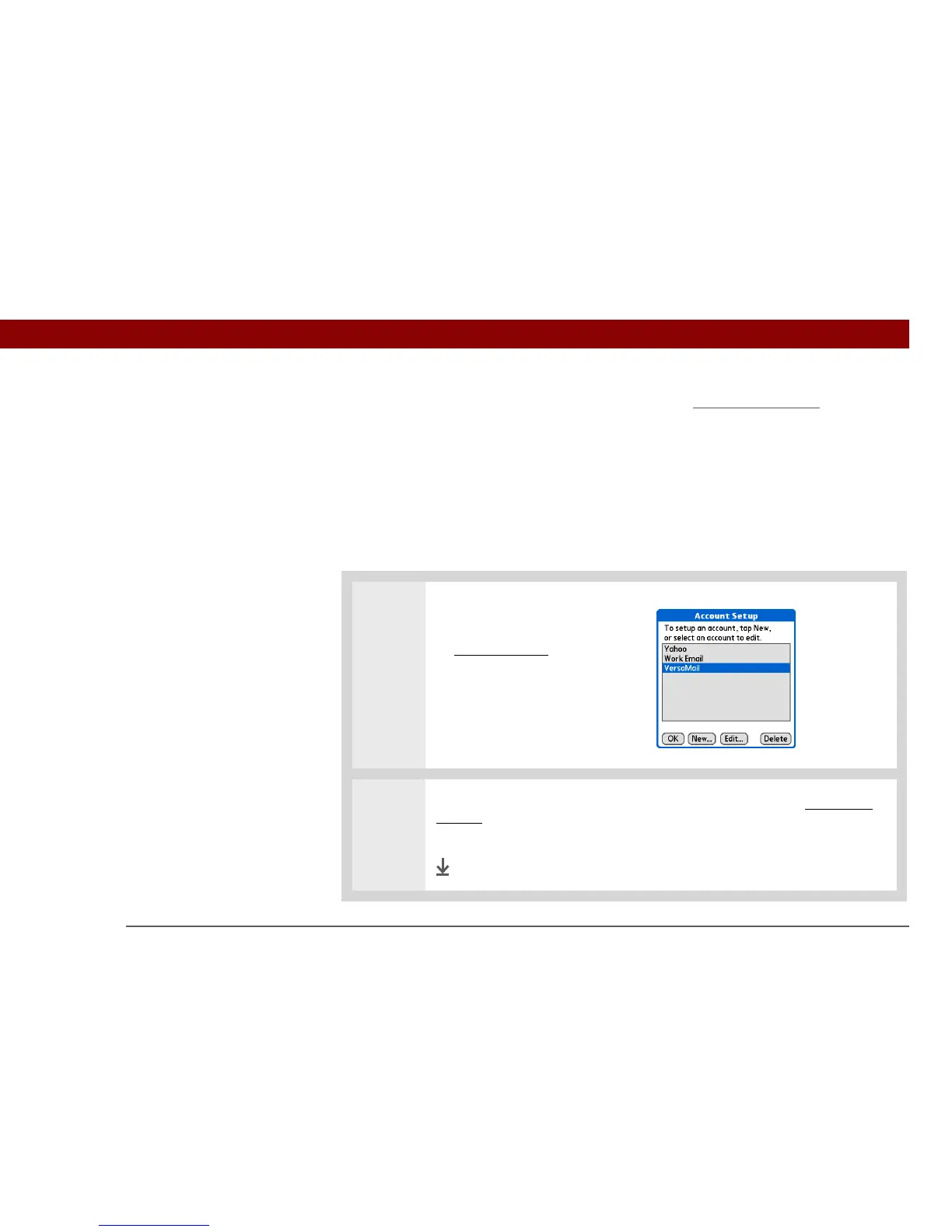
1 Select the account you want to
edit:
a. Open the menus
.
b. Select Accounts, and then
select Account Setup.
c. Select the name of the
account to edit, and then
select Edit.
2
The same series of screens appears for editing an account as for creating an
account. Go through the screens by selecting Next, and change the entries you
want to edit on the appropriate screens.
Done



 To Next Page