Tungsten™ T5 Handheld 36
CHAPTER 3 Moving Around in Applications
Using Files
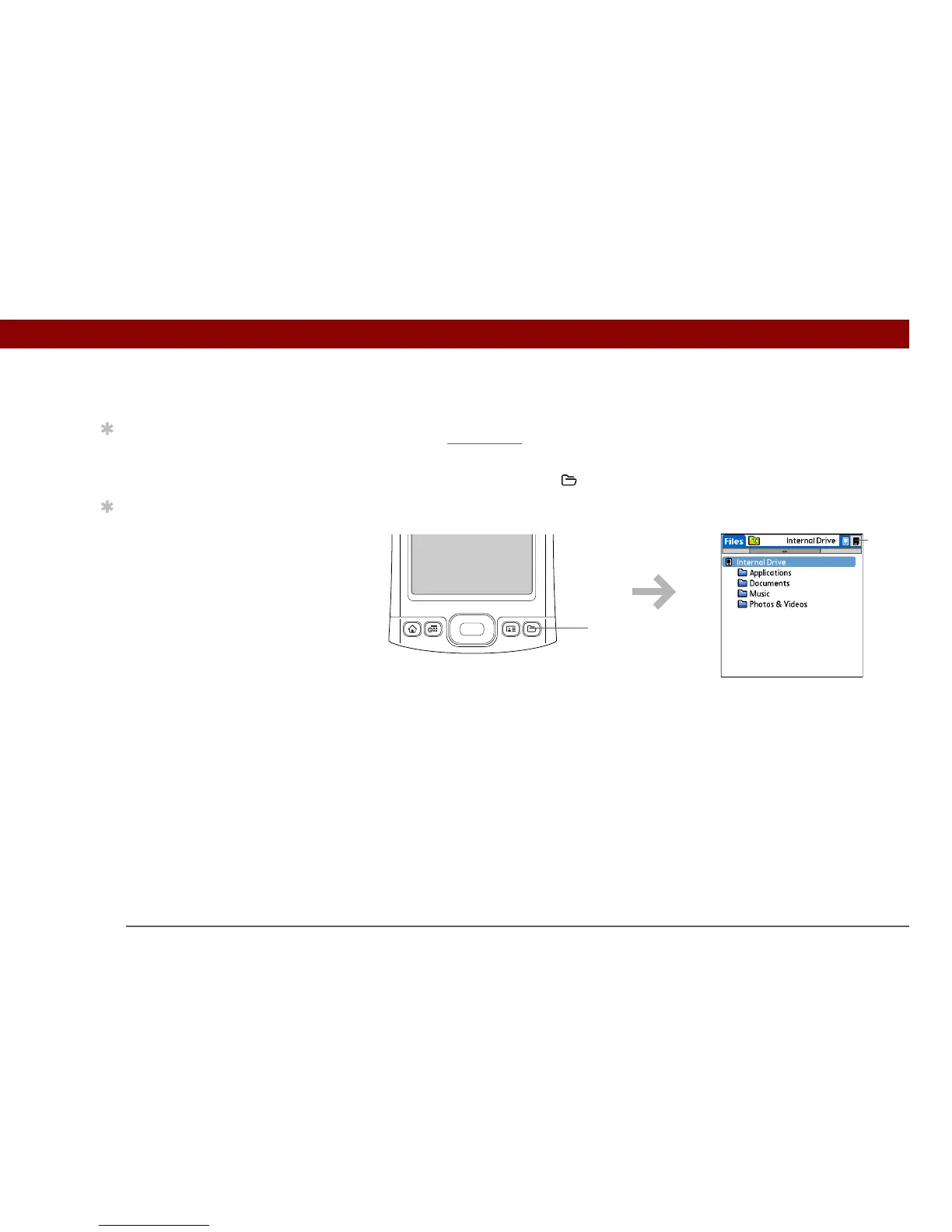
The Files application enables you to easily open, view, and move among the files and folders on
your handheld’s internal
drive or on an expansion card inserted into your handheld’s expansion
slot.
To open Files, press the Files button on the front of your handheld.
Tip
You can also open Files
by selecting Files in
Applications View.
Tip
If you have an expansion
card (sold separately)
inserted in your
handheld’s expansion
slot, select the card icon
in Files to view the
contents of the card.
Files
Card
icon



 To Next Page