Tungsten™ T5 Handheld 570
CHAPTER 26 Expanding Your Handheld
Inserting an expansion card
0
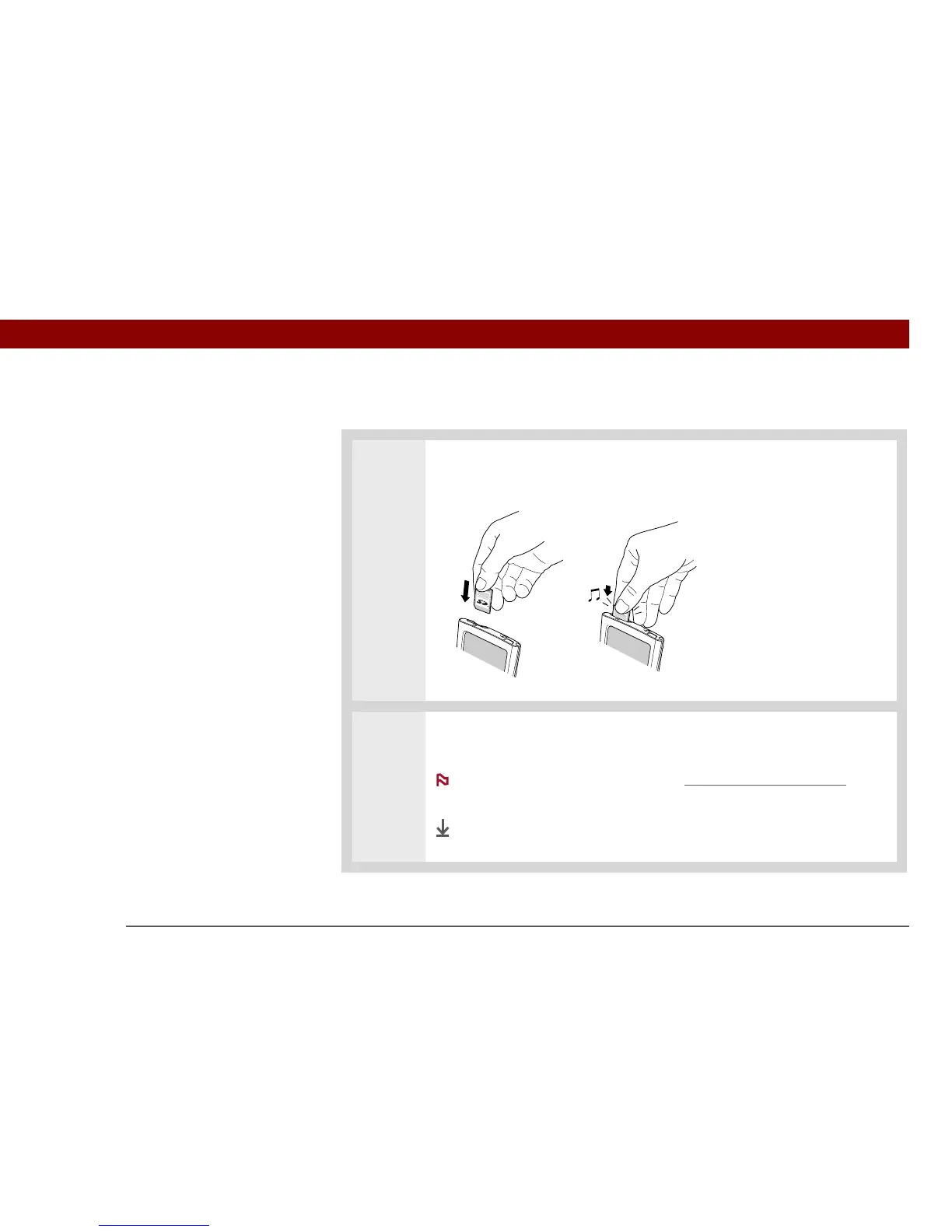
1 Insert the card into the expansion slot with the label side facing the front of the
handheld.
2 Push the card in with your thumb until you feel the card “click” in place and
hear the confirmation tone.
No confirmation tone? Check the Sounds & Alerts Preferences
to
make sure the System Sound setting is turned on.
Done
NOTE



 To Next Page