Tungsten™ T5 Handheld 44
CHAPTER 3 Moving Around in Applications
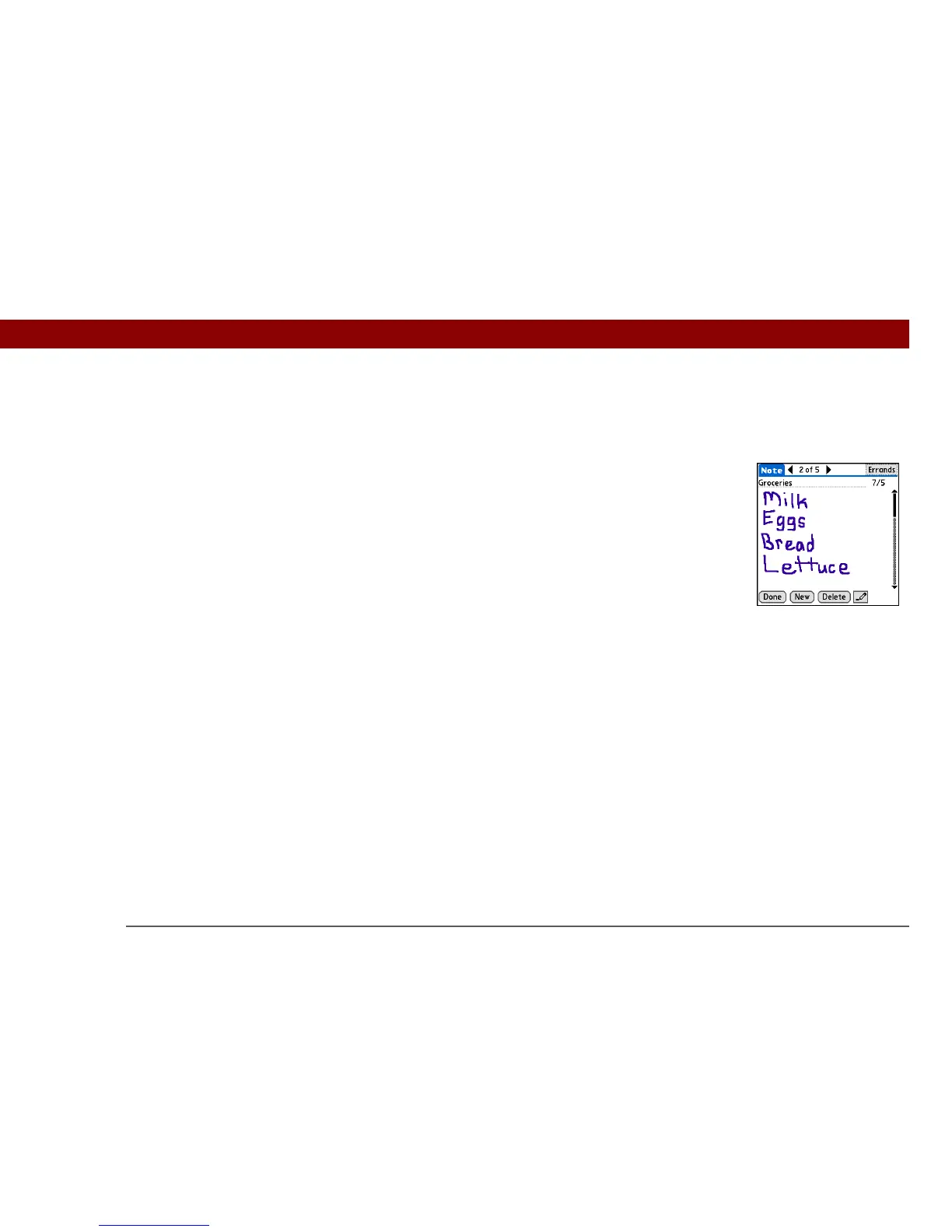
Moving around entry screens
In entry screens, use the 5-way to scroll within the current entry or between entries.
Moving around dialog boxes
Dialog boxes appear when you select a button or option that requires you to provide additional
information. In dialog boxes, use the 5-way to select a button or to make a selection from items
such as boxes and pick lists.
Up, Down,
Right, or Left
Scrolls to the next item in the corresponding
direction.
If there is no “up” entry, pressing Up scrolls
left. Likewise if there is no “left” entry,
pressing Left scrolls up.
If there is no “down” entry, pressing Down
scrolls right. If there is no “right” entry,
pressing Right scrolls down.
On some entry screens, pressing Left
highlights the leftmost button at the bottom
of the screen.
Center Inserts or removes the selection highlight.
If a button is highlighted, activates the
button.



 To Next Page