Tungsten™ T5 Handheld 527
CHAPTER 25 Customizing Your Handheld
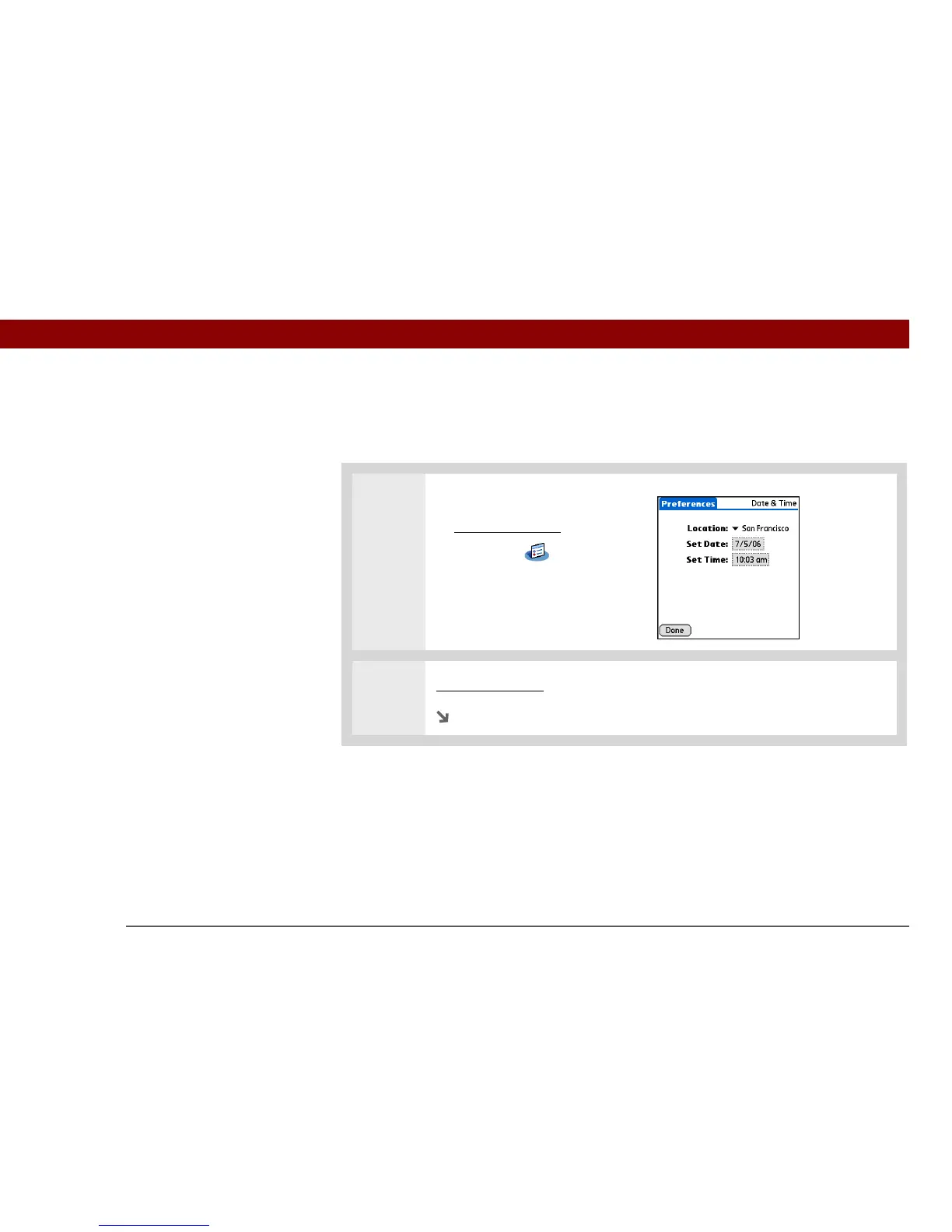
Resetting the date and time
In most cases you won’t need to reset the date and time. However, you may need to do this if you
do a hard reset on your handheld.
0
1 Open Date & Time Preferences:
a. Go to Applications
.
b. Select Prefs .
c. Select Date & Time.
2 Select the location.
Continued



 To Next Page