Tungsten™ T5 Handheld 528
CHAPTER 25 Customizing Your Handheld
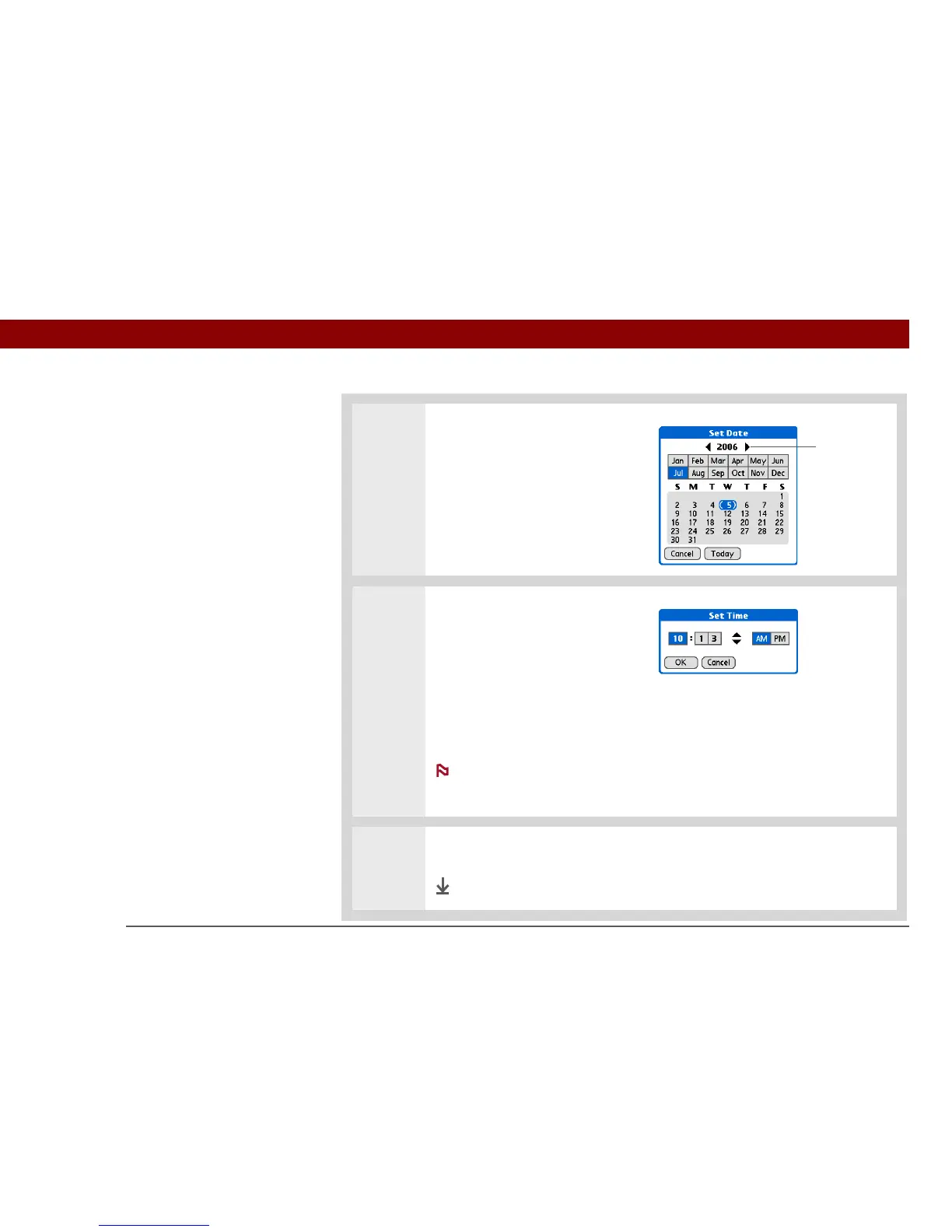
3 Set the date:
a. Select the Set Date box.
b. Select the arrows to select the
current year.
c. Select the current month.
d. Select the current date.
4 Set the time:
a. Select the Set Time box.
b. Select the hour and minute
boxes, and then select the
arrows to change them.
c. Select AM or PM, and then
select OK.
If you’re using a
24-hour clock format, you won’t
see the AM and PM options.
5 Select Done.
Done
Year
arrows
NOTE



 To Next Page