Tungsten™ T5 Handheld 500
CHAPTER 24 Managing Clock Settings
Checking the current date and time
There are two ways to easily check the date and time:
When your handheld is on:
• Go to Applications
and select World Clock .
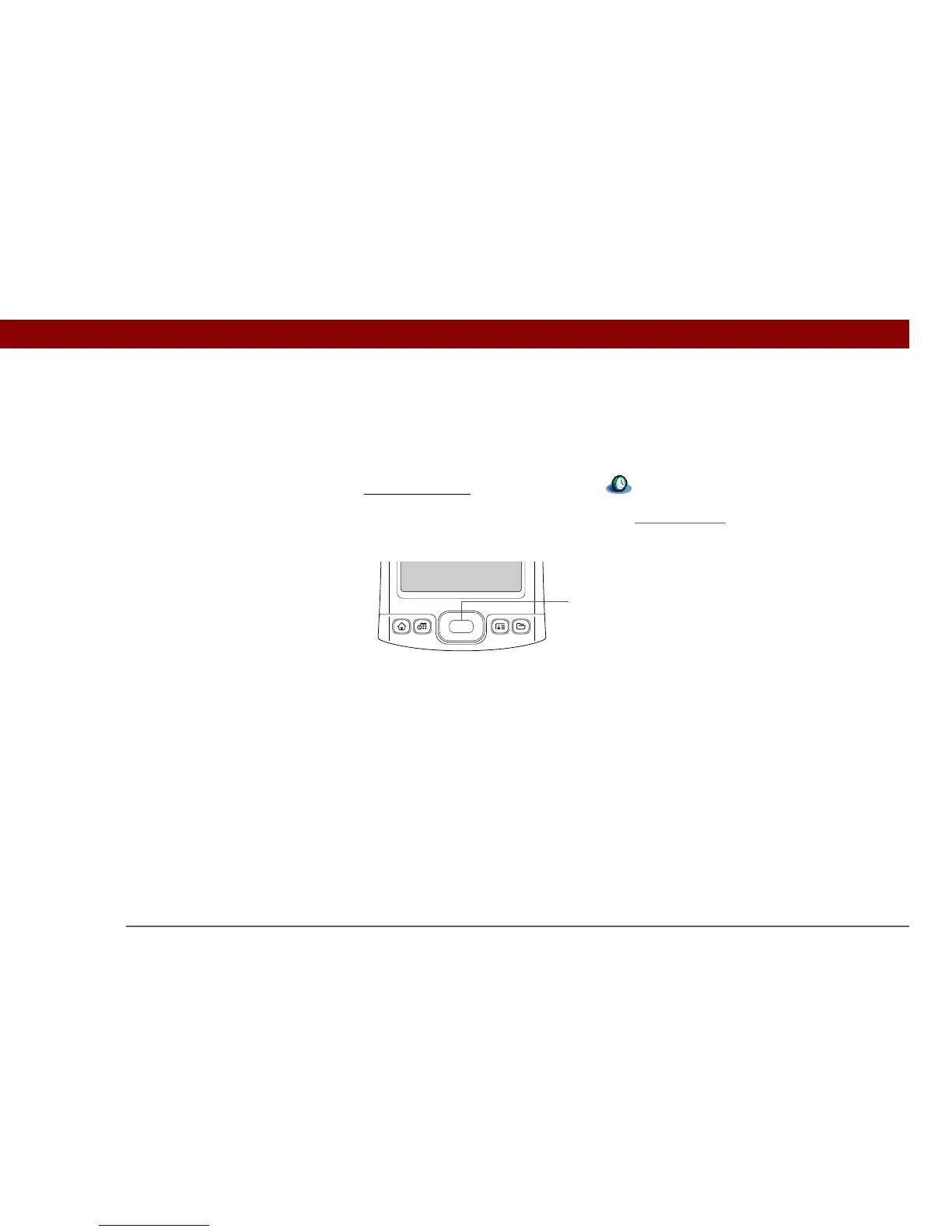
• When your handheld is off, press Center on the 5-way
navigator. Your handheld turns on,
displays the time, and then turns off after a few seconds.
Center



 To Next Page