Tungsten™ T5 Handheld 131
CHAPTER 6 Managing Your Contacts
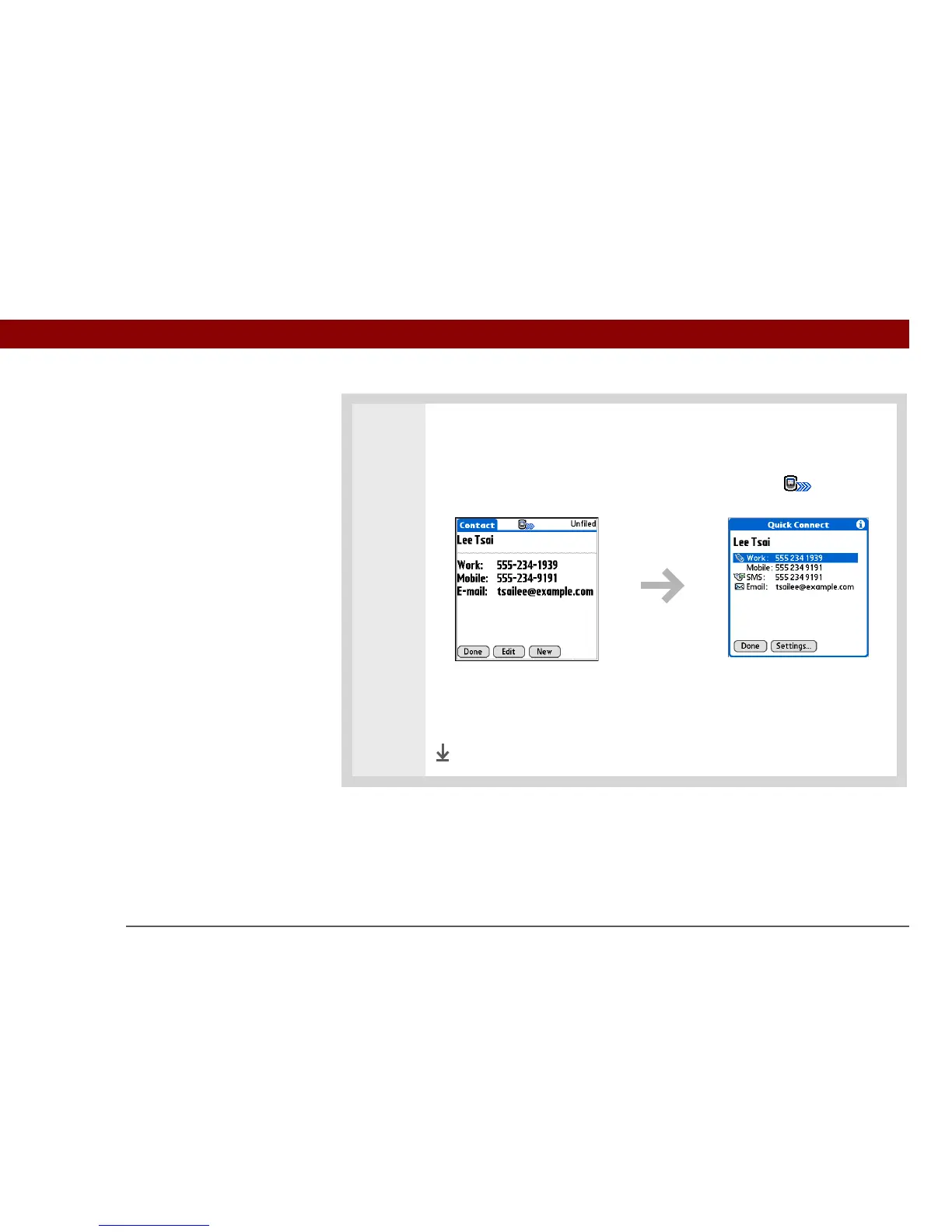
2 Make a connection using Quick Connect:
a. Select the contact you want.
b. Press Right on the 5-way or select the Quick Connect icon at the top of
the screen to open the Quick Connect dialog box.
c. Select the type of connection you want. For example, select a phone number
to dial the number on your mobile phone, or select an email address to open
the email application to a new message containing that address in the To
field.
Done



 To Next Page