Tungsten™ T5 Handheld 325
CHAPTER 15 Sending and Receiving Email Messages
2
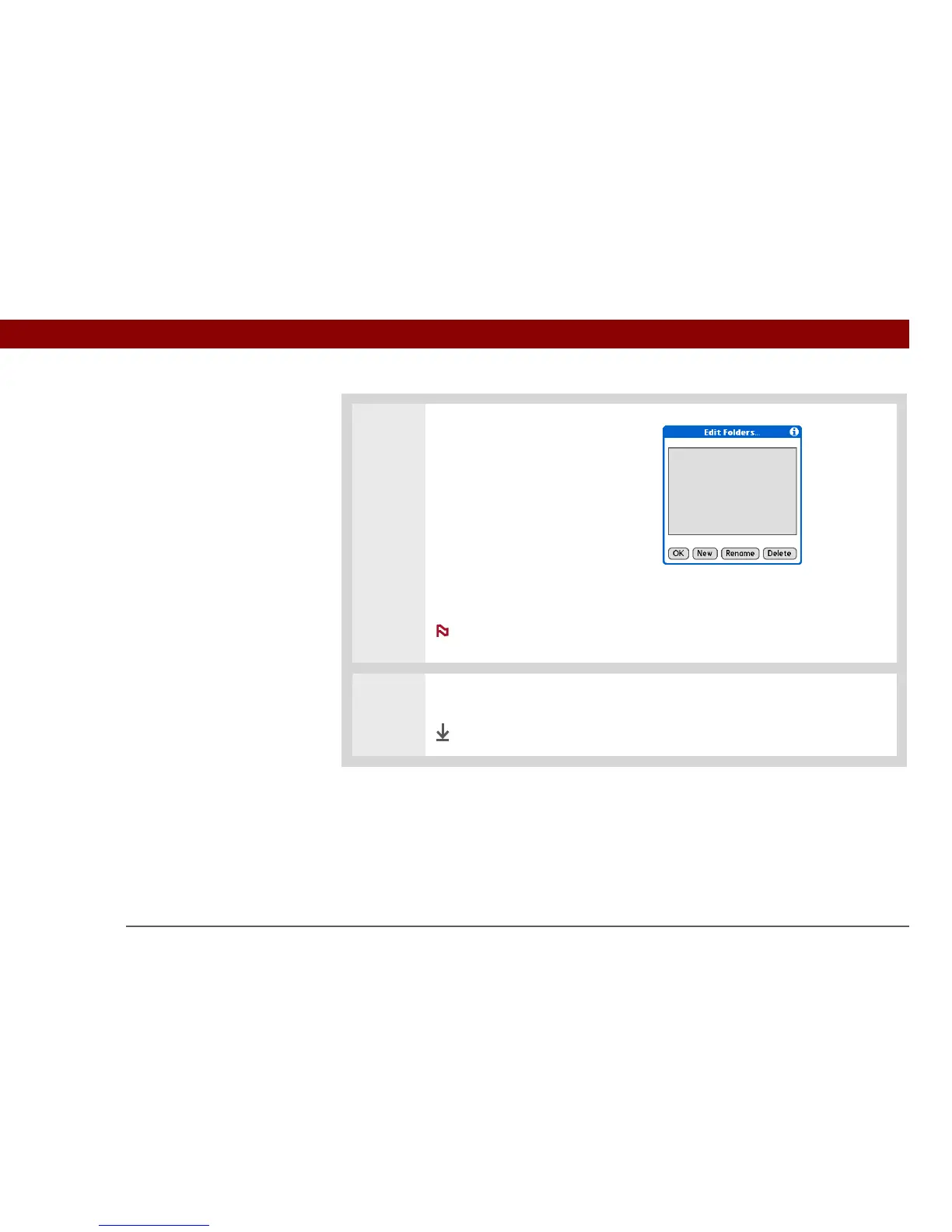
Select any of the following:
a. To create a new folder, select
New, and then enter the new
folder name.
b. To rename a folder, select the
folder name from the list on the
screen, select Rename, and then
enter the new folder name.
c. To delete a folder, select the folder name from the list on the screen, and
then select Delete.
For IMAP accounts only, check the box if you want the change (create,
rename, delete) to take place on the server as well as on your handheld.
3
Select OK.
Done
NOTE



 To Next Page